Learn how to integrate OneSignal with Zapier to automate notifications, connect with 3,000+ apps, and streamline your workflow without code. Step-by-step guide for setting up Zaps, sending push notifications, and using advanced features.
OneSignal integrates with Zapier to automate manual tasks like sending out notifications or sharing sent notifications with the team—without any code. Connect OneSignal to 3,000+ other apps with workflows called Zaps and you can fire off notifications when you tweet, post on your blog, add a row to your spreadsheet, and more.You can create automations from scratch on Zapier, or try one of these examples to get started right now:
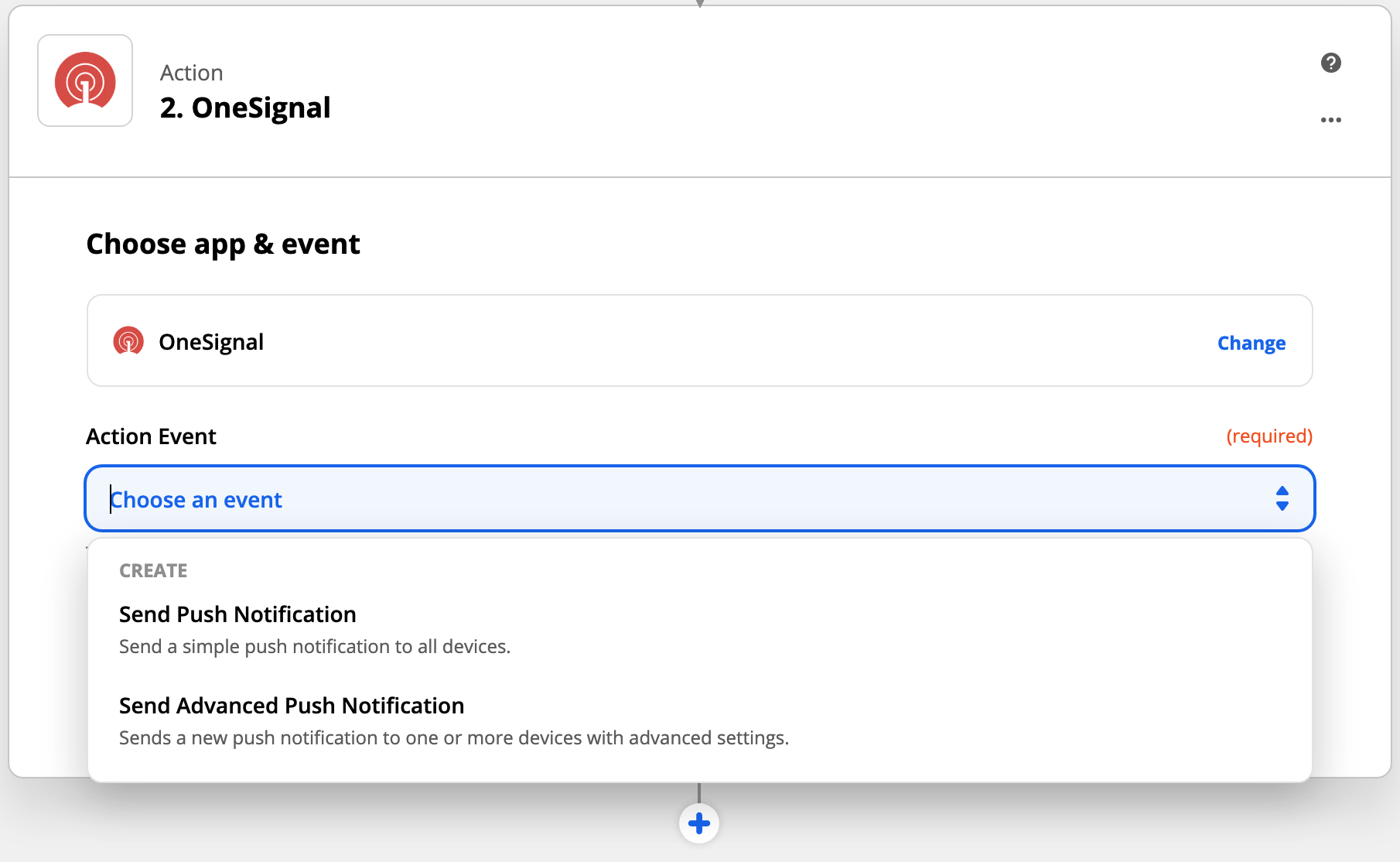
Yes you can!First create a template in your OneSignal dashboard. See our Templates section for more details on templates.Inside Zapier on your OneSignal action, under “Send push notification” choose “Send advanced push notification”.Continue to the “Set up template” step and find the “Template ID” section.You can find the Template ID inside your OneSignal.com dashboard > Templates > Click the template you want to use and the ID is the last set of numbers after the last / in the URL.For example:When you are viewing your template, your URL will look like this:https://onesignal.com/apps/3beb3078-e0f1-4629-af17-fde833b9f716/templates/589b29b0-e107-4c6b-a60d-951416eb3b9aIn this case, the Template ID is: 589b29b0-e107-4c6b-a60d-951416eb3b9a
Can I override the template if I add other data to the fields in my Zap?
Yes you will. All data that you enter into the Zap will override any data you added to your template. So if you added a message to your template and to your Zap, the Zap message will override the template message, meaning you will not see the message on your template.
How do I set timezone and intelligent delivery options in Zapier?
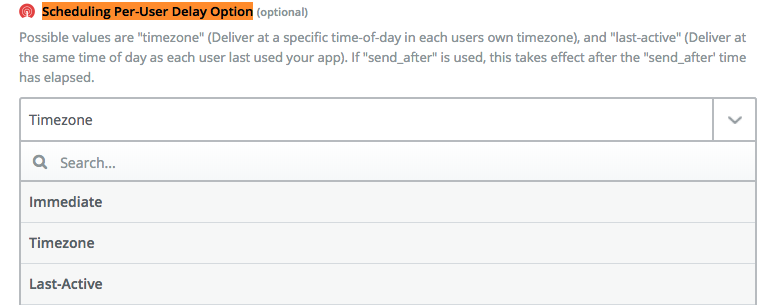
First make sure you selected “Send advanced push notification” on Step 2 above.Then on the “Edit template” section of Zapier, find “Scheduling per-user delay option”.
Scheduling per-user delay option
Immediate means at the time you specify to everyone
Timezone will only send during each device’s timezone