

- Visit your website on your Safari browser on a mobile Apple device on 16.4+
- Click on the Share button of their Safari browser on a mobile device.
- Click on the Add to home screen option.
- Save the app on their device.
- Open it the app from the home screen.
- Subscribe to notifications (they must click a subscribe button before a native permission prompt can be displayed).
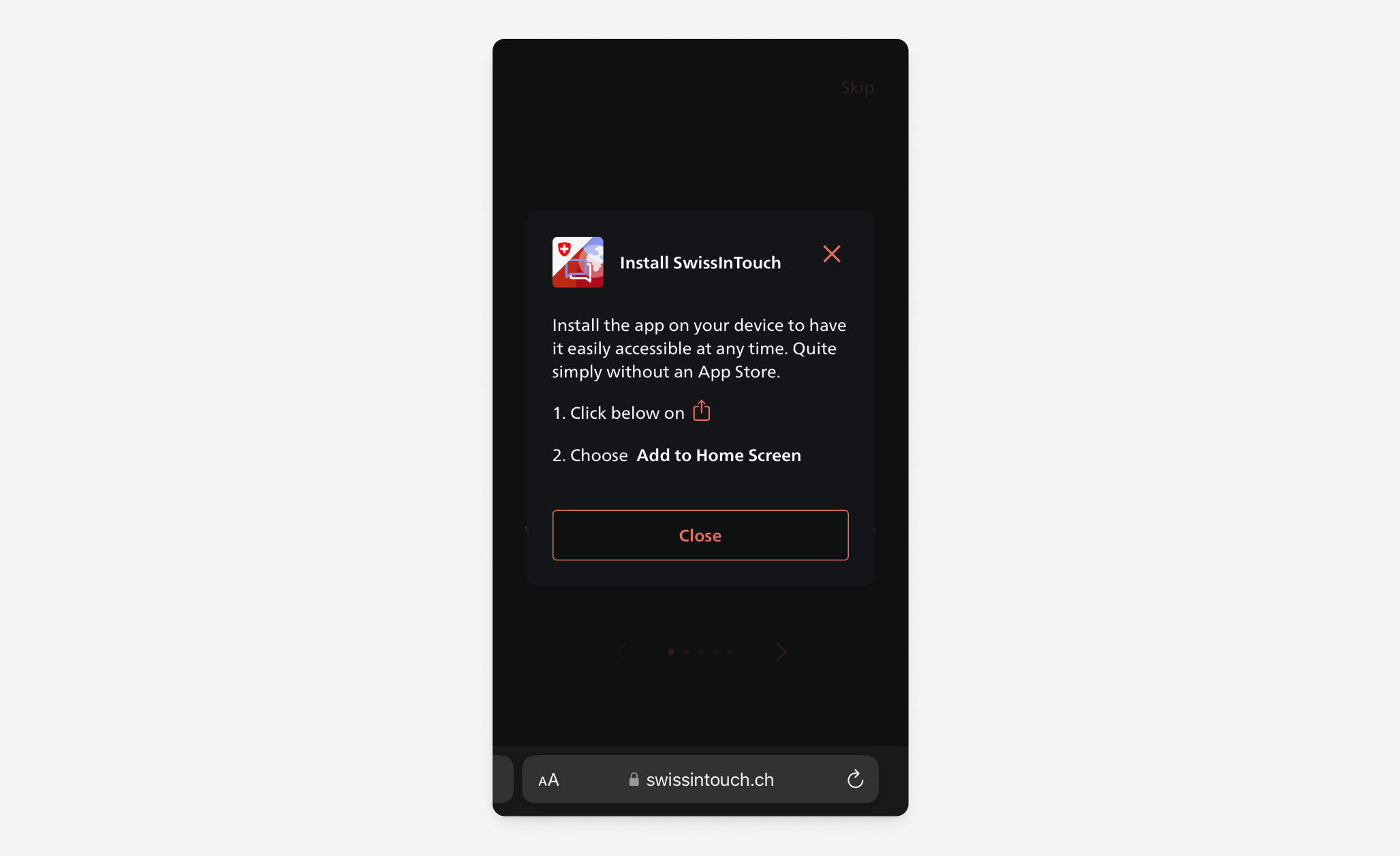
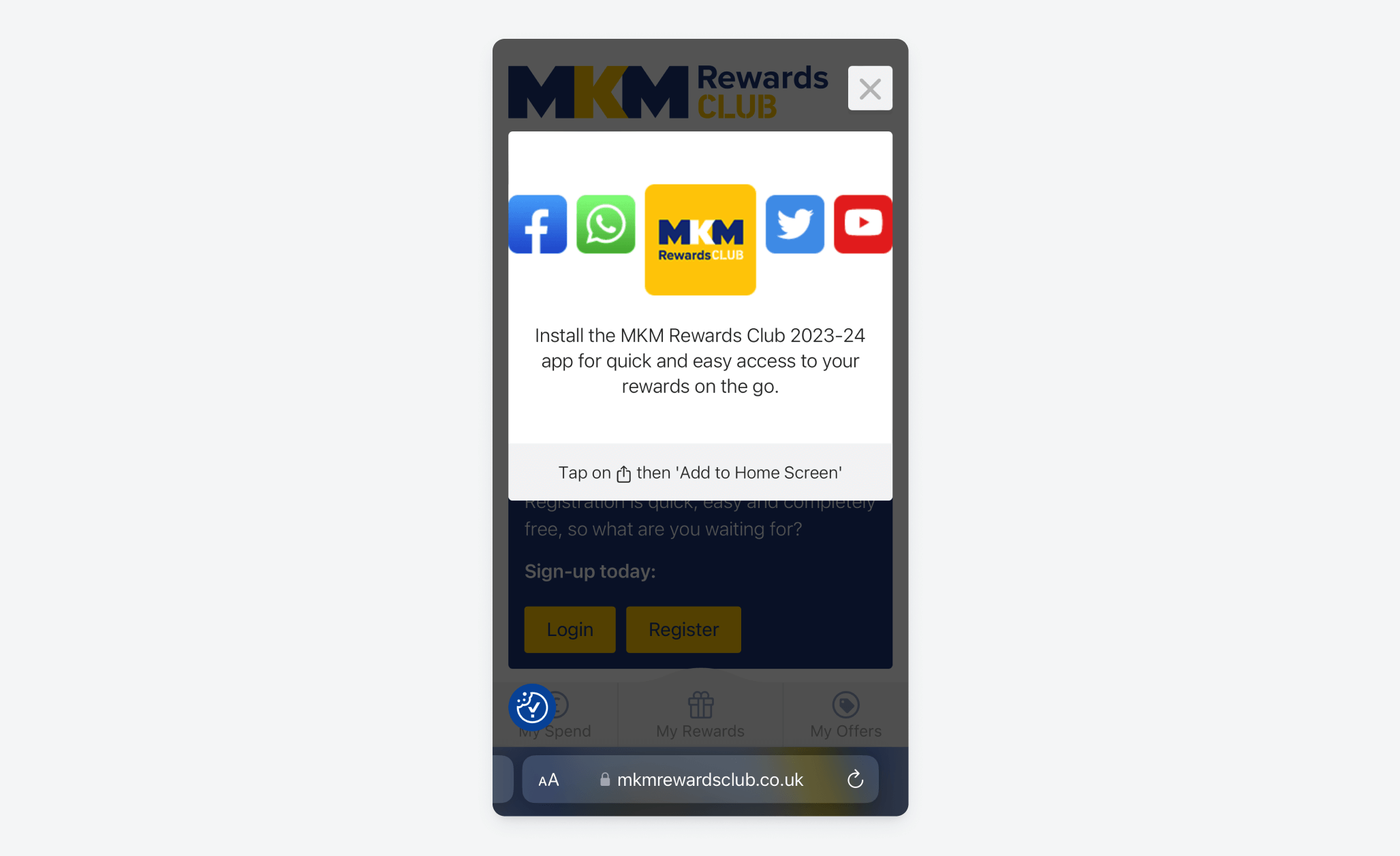
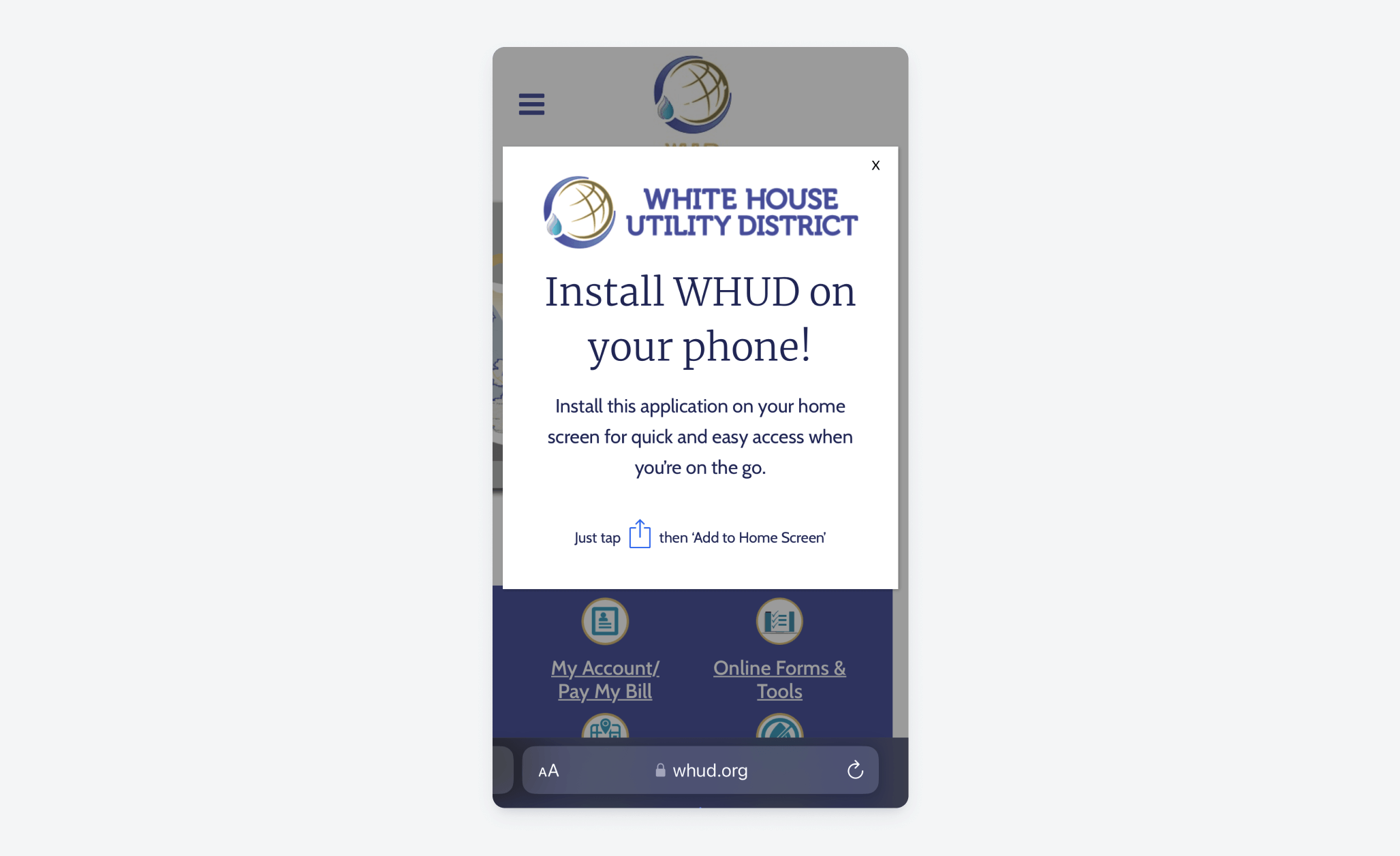
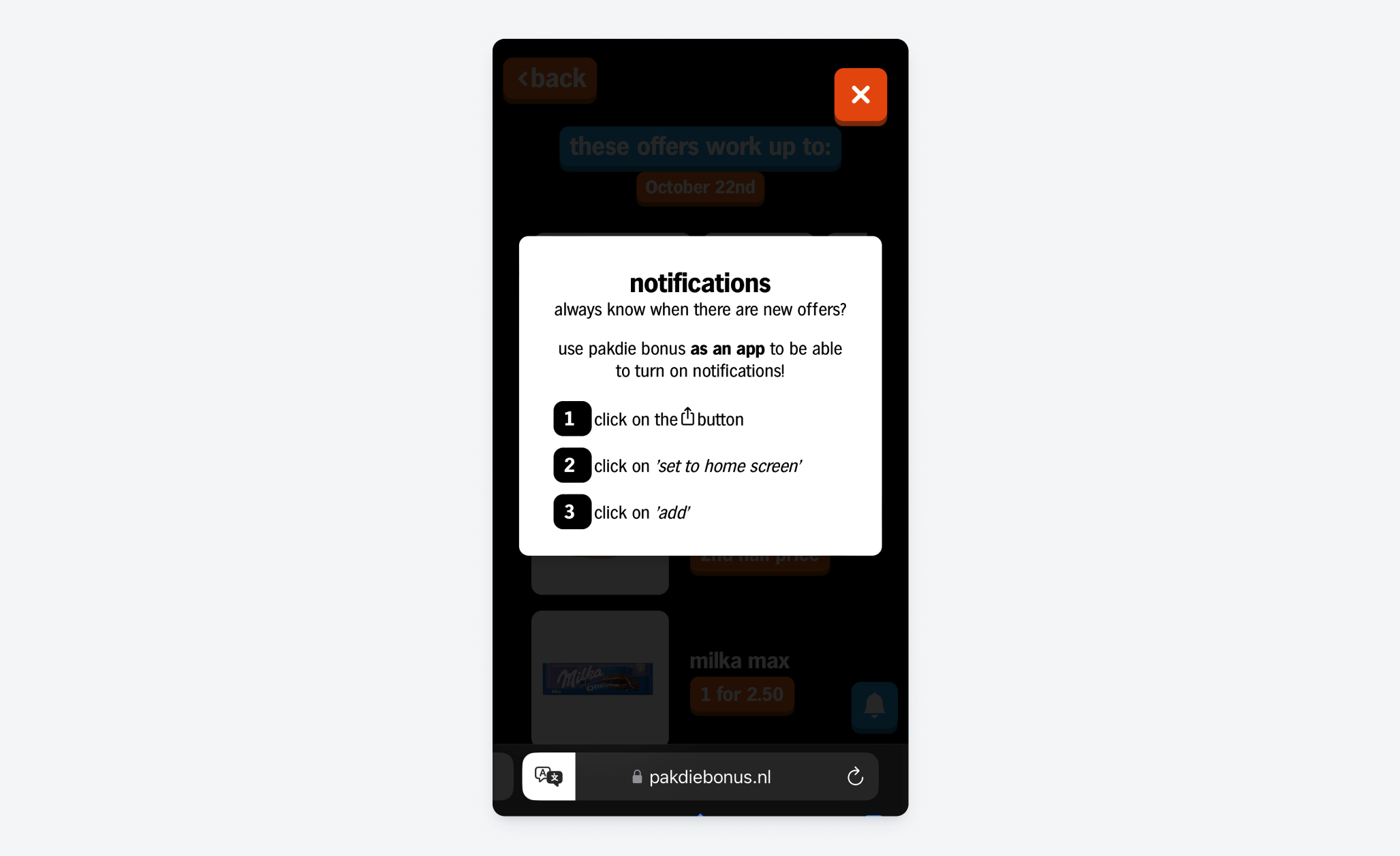
Website banners
Banners can be added to your website to inform your audience of the value of mobile web push notifications and how they can subscribe. You can see some example banners here. We recommend incorporating a banner on your website that displays on mobile Apple devices to lead site visitors to the share button and the add to home screen option. There is also a popular open-source project that can help you provide this guidance to your audience:Bottom banner example
Github Link: https://github.com/rajatsehgal/add-to-home-screen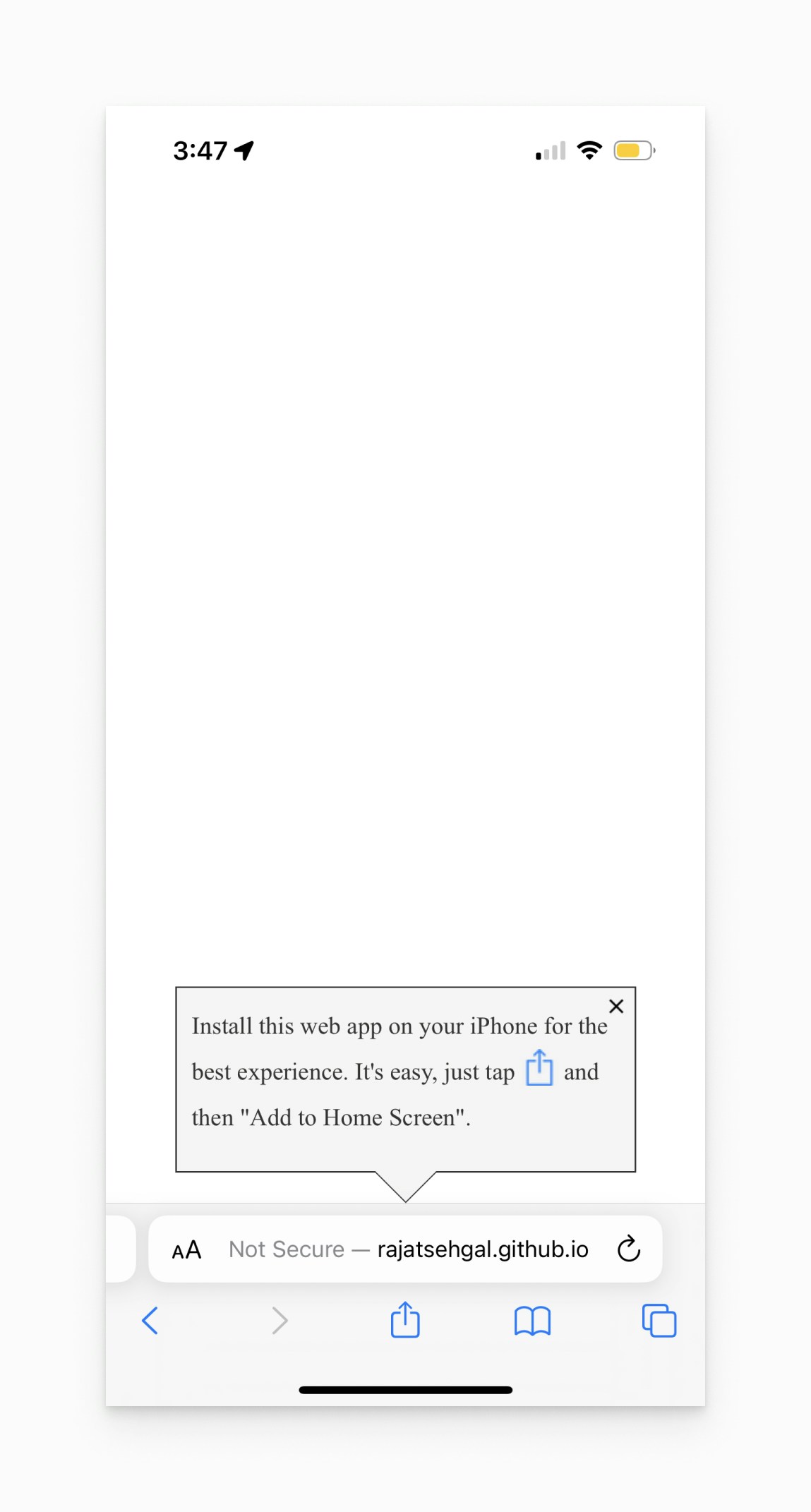
Example of an Add to Home Screen banner prompt from an open source project by rajatsehgal.