Validate email addresses during CSV import and in bulk to reduce bounces and protect your sender reputation.
Email address validation detects common problems in email addresses before they reach your audience. It flags typos, invalid domains, role-based addresses, and disposable email services that could increase your bounce rate or hurt your sender reputation.It runs automatically during CSV import and is also available as a bulk validation tool for your existing audience.
Email address validation checks addresses against OneSignal’s validation criteria. It is not a live bounce verification check and does not guarantee deliverability.
Common domain misspellings like gnail.com or gmail.con
MX record check
Domains with no valid mail exchange record; email sent here cannot be delivered
Role-based address
Addresses like sales@, info@, admin@ that are unlikely to belong to an individual
Disposable email
Domains associated with temporary or throwaway email services
Free plans include syntax validation and typo detection. Paid plans include all of the above plus MX record checks, role-based address detection, and disposable email filtering.
If an address fails a check, email address validation returns a human-readable error explaining the specific problem. If an address fails multiple checks, all failure reasons are returned together so you can address everything at once.
When importing a CSV, you can configure email address validation settings on the Review step before confirming the import.
1
Start a CSV import
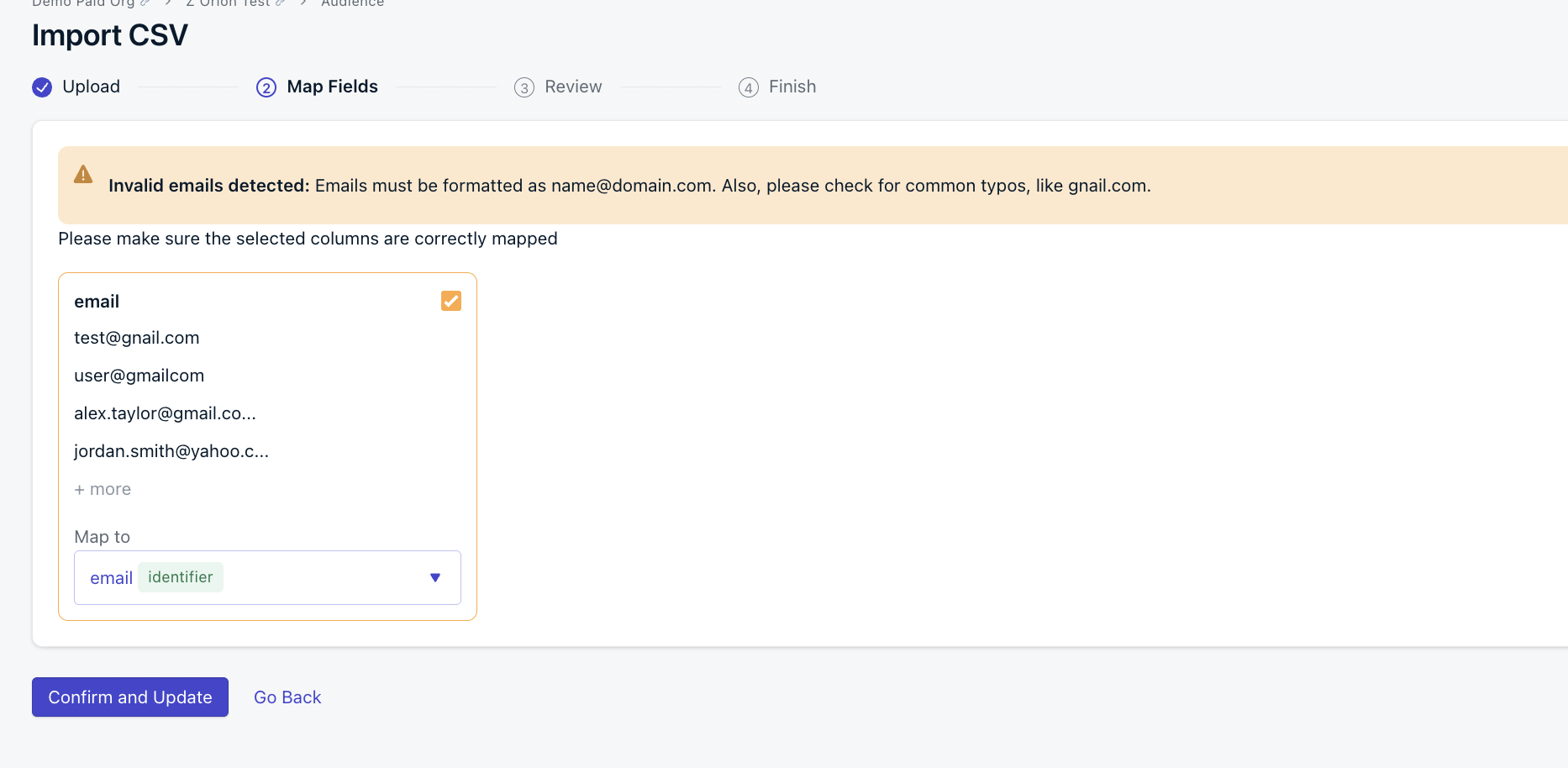
Go to Audience > Users & subscriptions > Update/Import Users > Import users and upload your file. Complete the Upload and Map Fields steps. If any invalid email addresses are detected, a warning will appear on the Map Fields step.
Invalid emails detected warning on the Map Fields step
2
Configure validation settings on the Review step
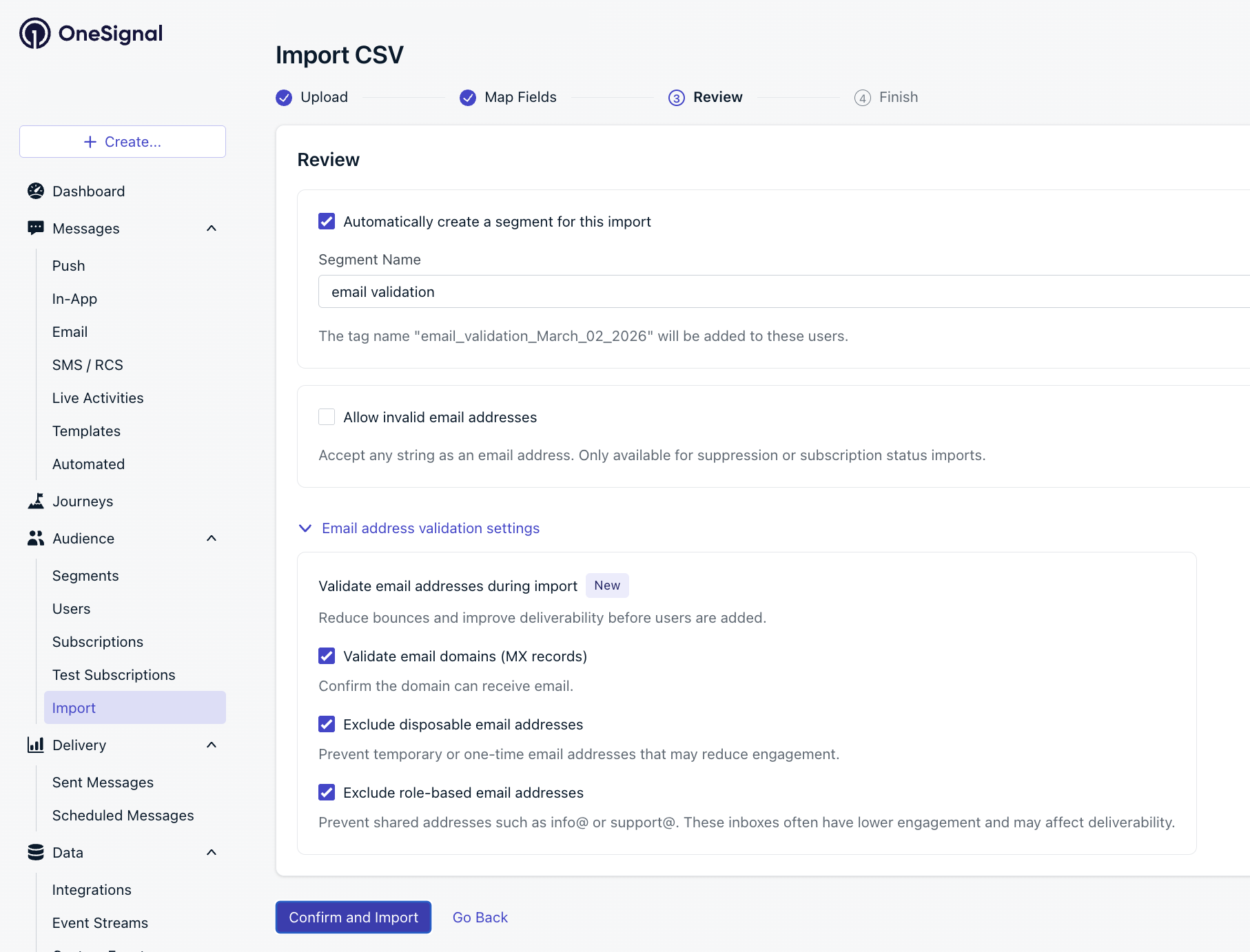
On the Review step, expand Email address validation settings. The following options are available:
Email address validation settings on the Review step
Validate email domains (MX records): confirm the domain can receive email
Exclude disposable email addresses: prevent temporary or one-time addresses that may reduce engagement
Exclude role-based email addresses: prevent shared addresses like info@ or support@ that often have lower engagement
All three are enabled by default. Uncheck any you don’t want applied to this import.
If you need to import invalid email addresses (for example, to update suppression or subscription status), check Allow invalid email addresses. This bypasses validation and accepts any string as an email address.
3
Confirm and import
Click Confirm and Import. When the import is complete, you’ll receive an email summarizing the results:
Subscriptions added
Subscriptions modified
Rows not imported, with a link to download the rejected rows
Valid addresses are added to your audience. You receive an email when the import is complete. Addresses that failed validation are excluded and available to download from the link in the results email.
Use bulk validation to check email addresses already in your OneSignal audience. You receive results by email as a CSV export.
1
Open the Validate Email Addresses tool
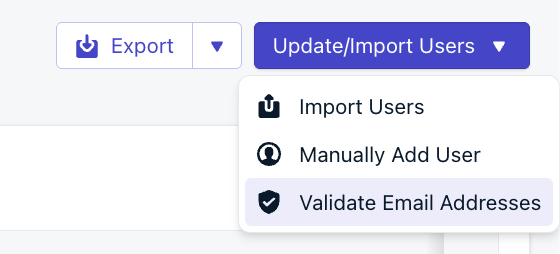
Go to Audience > Users & subscriptions, click Update/Import Users, then select Validate Email Addresses.
Validate Email Addresses option in the Update/Import Users menu
2
Start validation
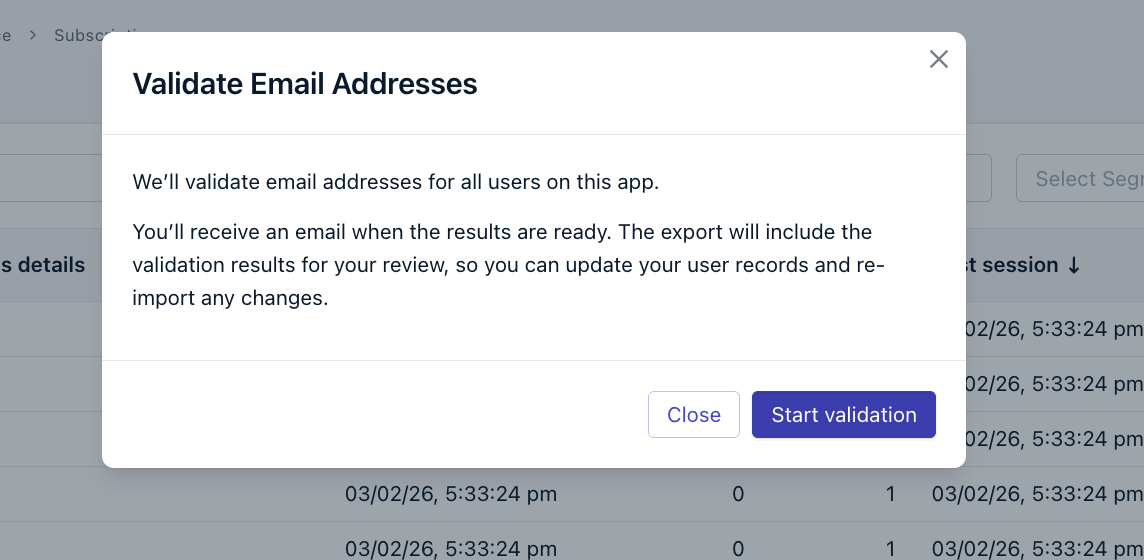
In the modal, click Start validation. Email address validation runs against all email addresses for your app.
Validate Email Addresses confirmation modal
3
Receive your results by email
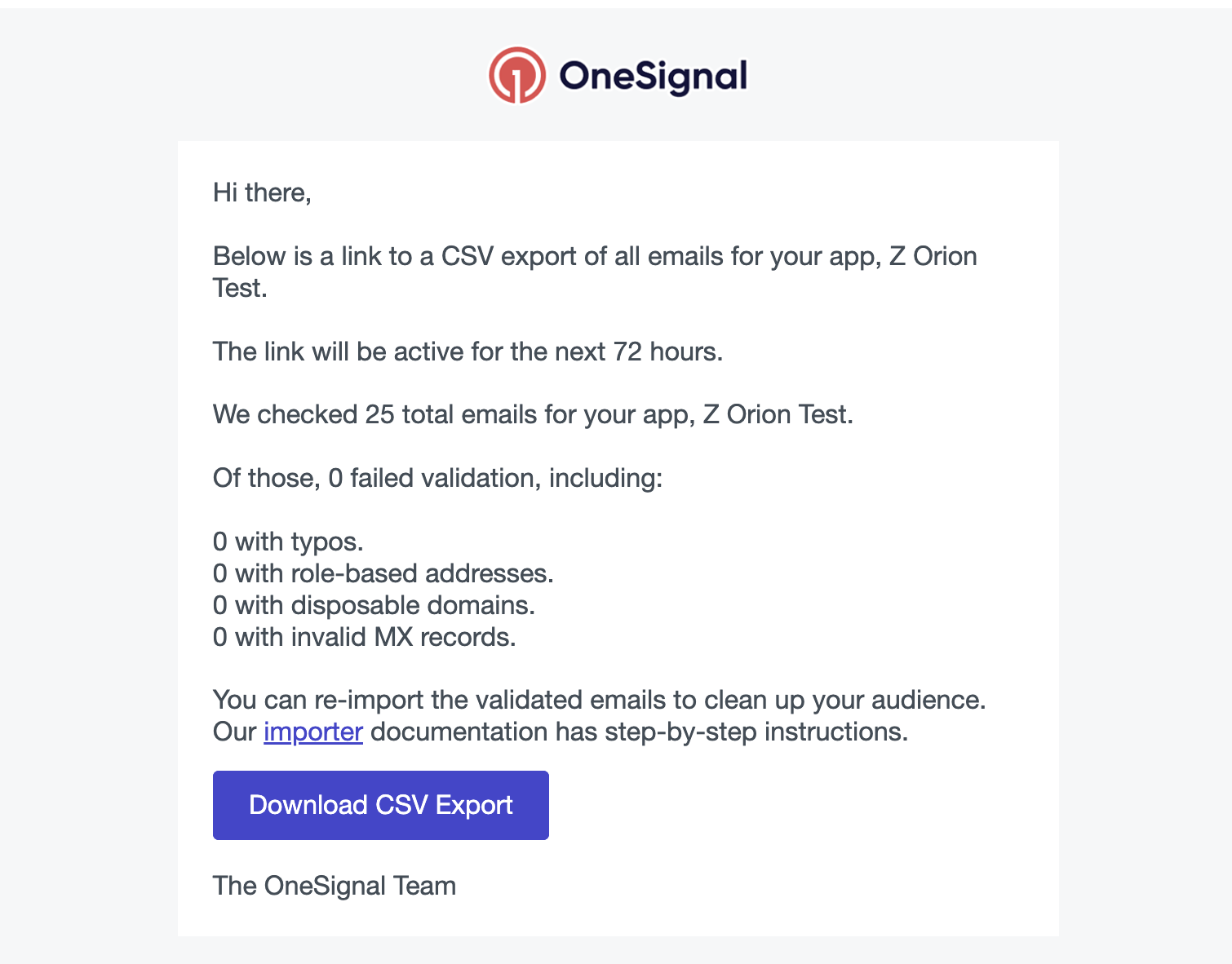
When validation is complete, you’ll receive an email from OneSignal with a Download CSV Export link. The link is active for 72 hours. The email summarizes how many addresses failed, broken down by:
OneSignal validation results email with breakdown and Download CSV Export link
Typos
Role-based addresses
Disposable domains
Invalid MX records
4
Review and re-import
Download the CSV and review the flagged addresses. To clean up your audience, create a new CSV with the corrected or actioned addresses and re-import it using one of the following column formats:
Email address validation also applies to addresses submitted through the API. The sections below describe the error responses you may encounter.
API validation only checks that the email address is correctly formatted. It does not check for typos, MX records, role-based addresses, or disposable domains. Those checks are only available during CSV import and bulk validation.
When you send to one or more invalid addresses via the Create Message endpoint, invalid addresses are excluded from delivery and returned under invalid_email_tokens.invalid_email_tokens also lists email addresses that were already unsubscribed from the email message channel before the send, so an address returned here is not necessarily incorrectly formatted.