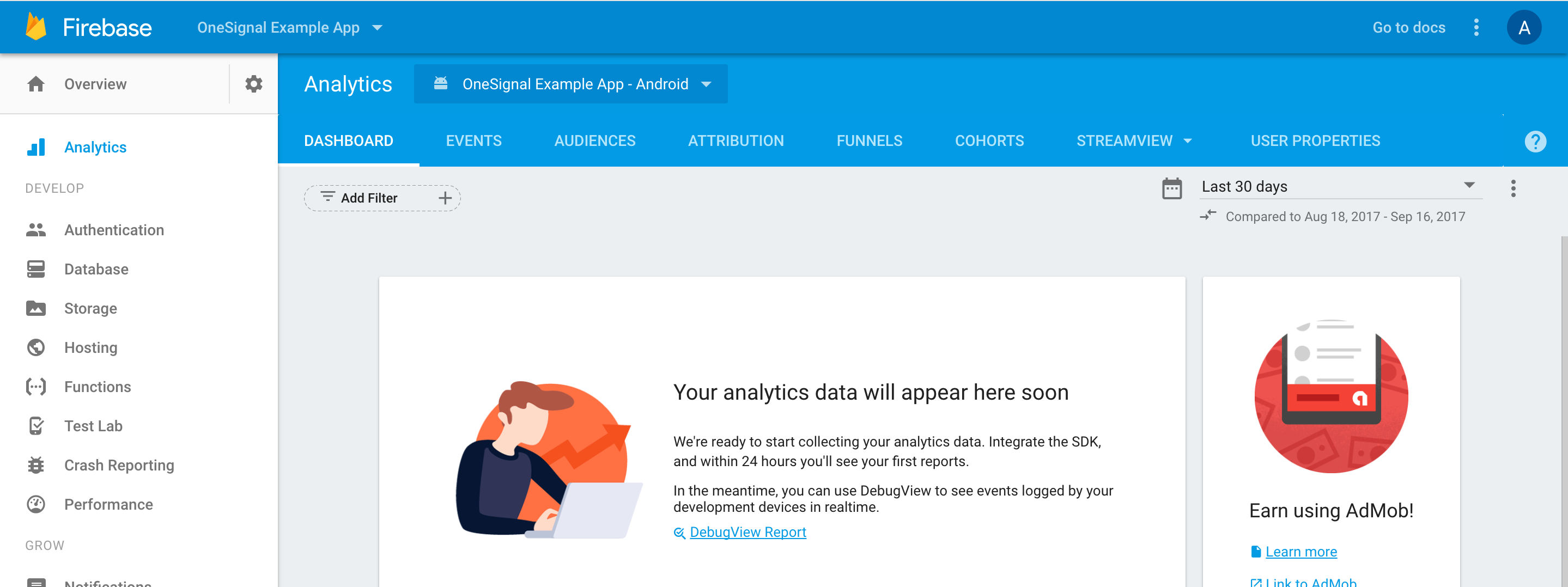
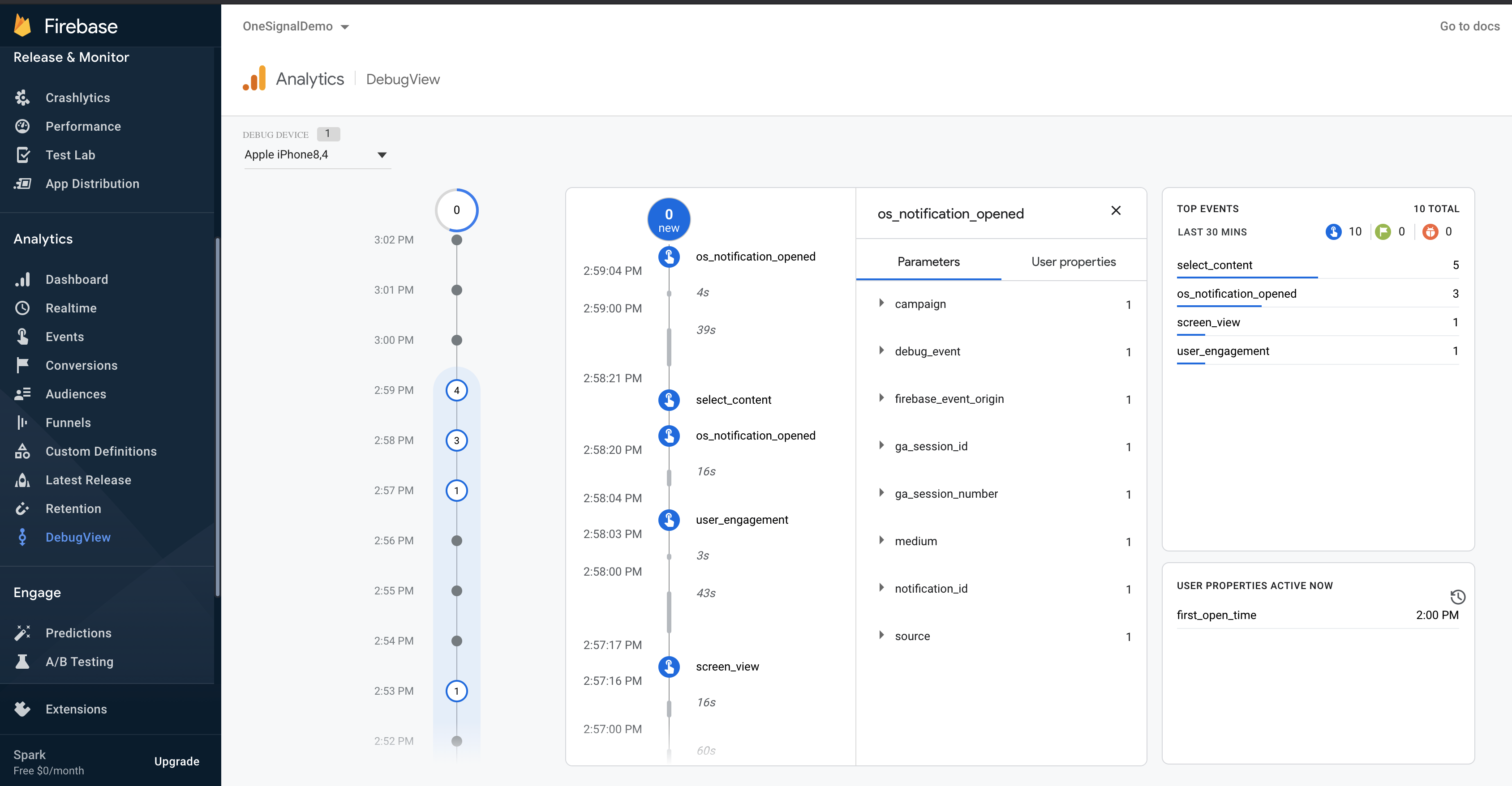
OneSignal will automatically send notification events to your analytics dashboard if Google Analytics for Firebase is correctly implemented. Works with iOS and Android.
Google Analytics for Firebase is an event-tracking tool provided for free by Google Firebase. It allows you to easily track events within your app and analyze them later using various filters.
This integration does not support UTM parameters to the launch URL.On Web, the GA code will capture the values based on URL in the browser.On Mobile, you will need to capture these values and pass to GA. Our Notification Opened Event Handler can be used to get the notification payload.
Navigate to Data > Integrations and enable “Firebase”.This will begin sending event data to Firebase. If you wish to track influenced opens on iOS, you will need to perform some additional setup due to limitations in Firebase.
Verify that Firebase is attempting to send events related to OneSignal notificationsCheck in your application’s LogCat logs and look for Google Analytics for Firebase entries that indicate events corresponding to OneSignal are being sent. Look for os_notification_opened,os_notification_received, or os_notification_influence_open
Why are the clicked and opened events not showing in Firebase?
The Firebase click event os_notification_opened and received event os_notification_received may not work if the Firebase library has not initialized in time so the Firebase library drops the event. More details on this github issue.
Link your Firebase Database and use Firebase Cloud Functions with OneSignal following our Firebase Setup Tutorial.
Was this page helpful?
Assistant
Responses are generated using AI and may contain mistakes.