

- In-app purchases
- App interactions (e.g., session counts, durations, and notification clicks)
Data types and OneSignal behavior
✅ = Collected when using OneSignal 💡 = May be collected depending on your OneSignal usage ❌ = Not collected by OneSignalRequired data types for OneSignal
You must disclose the following if you use OneSignal:Purchase history
If your app includes in-app purchases, disclose collection of Purchase history under Financial info.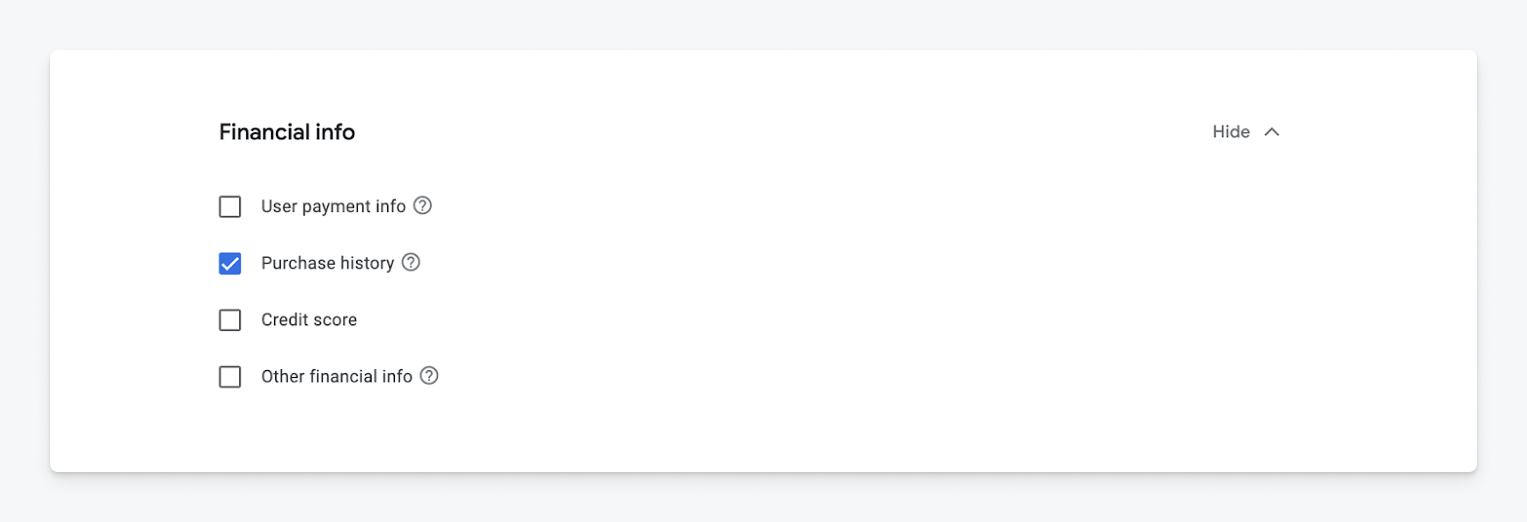
Data types: Purchase history
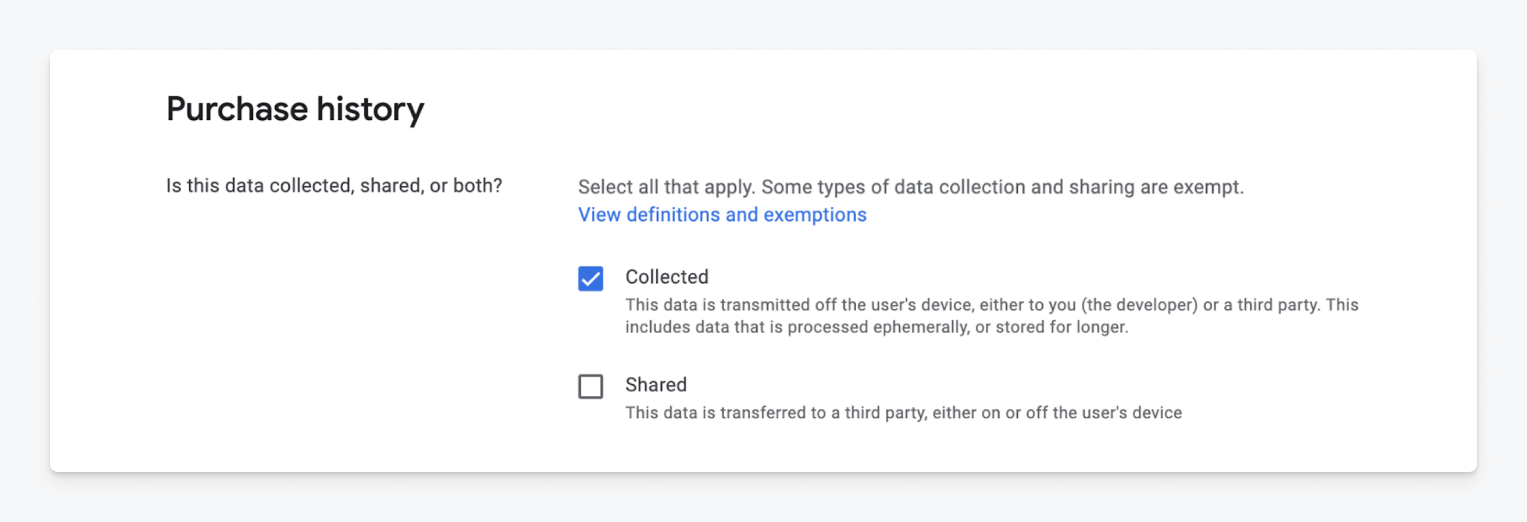
Collected and shared settings
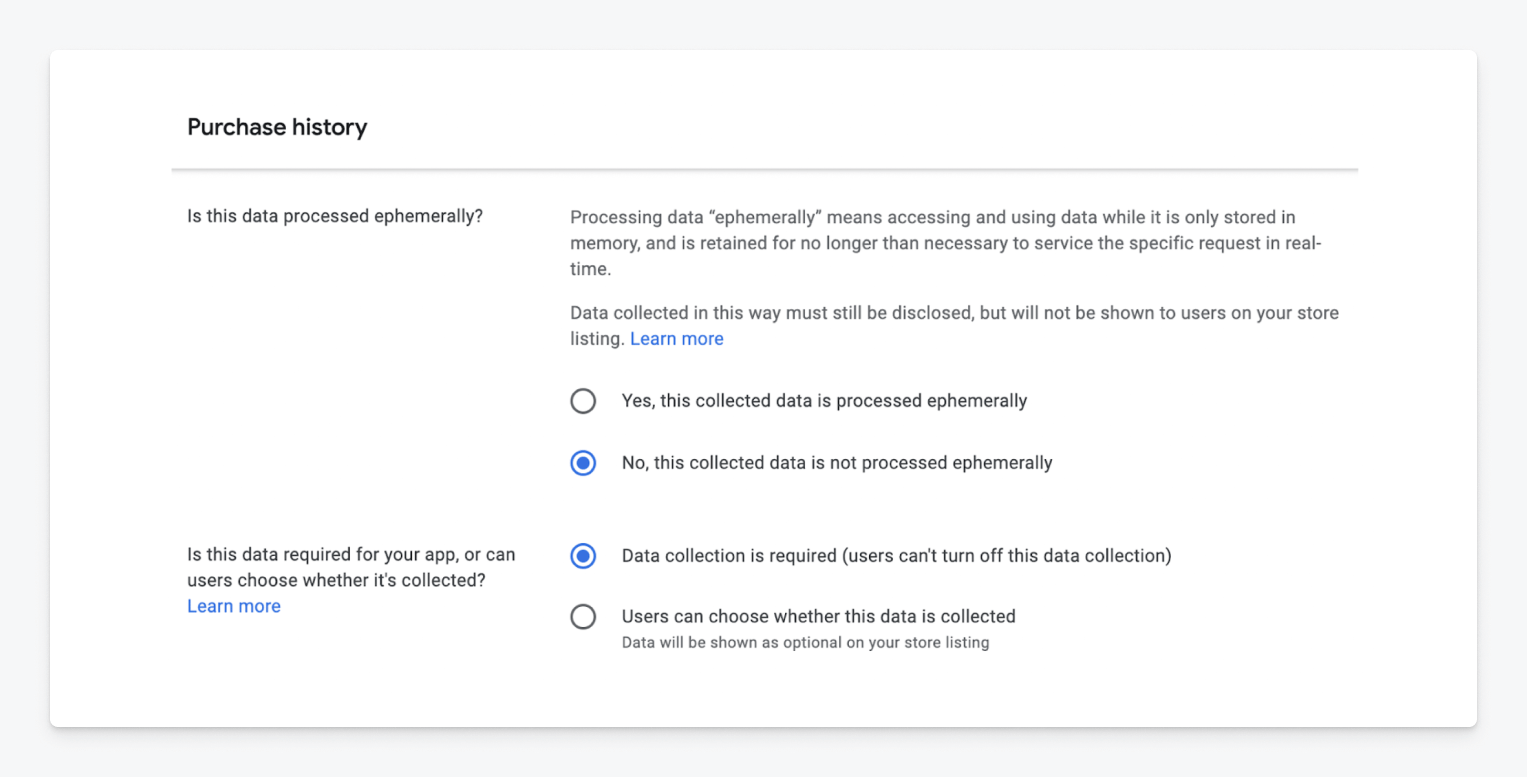
Data processing settings
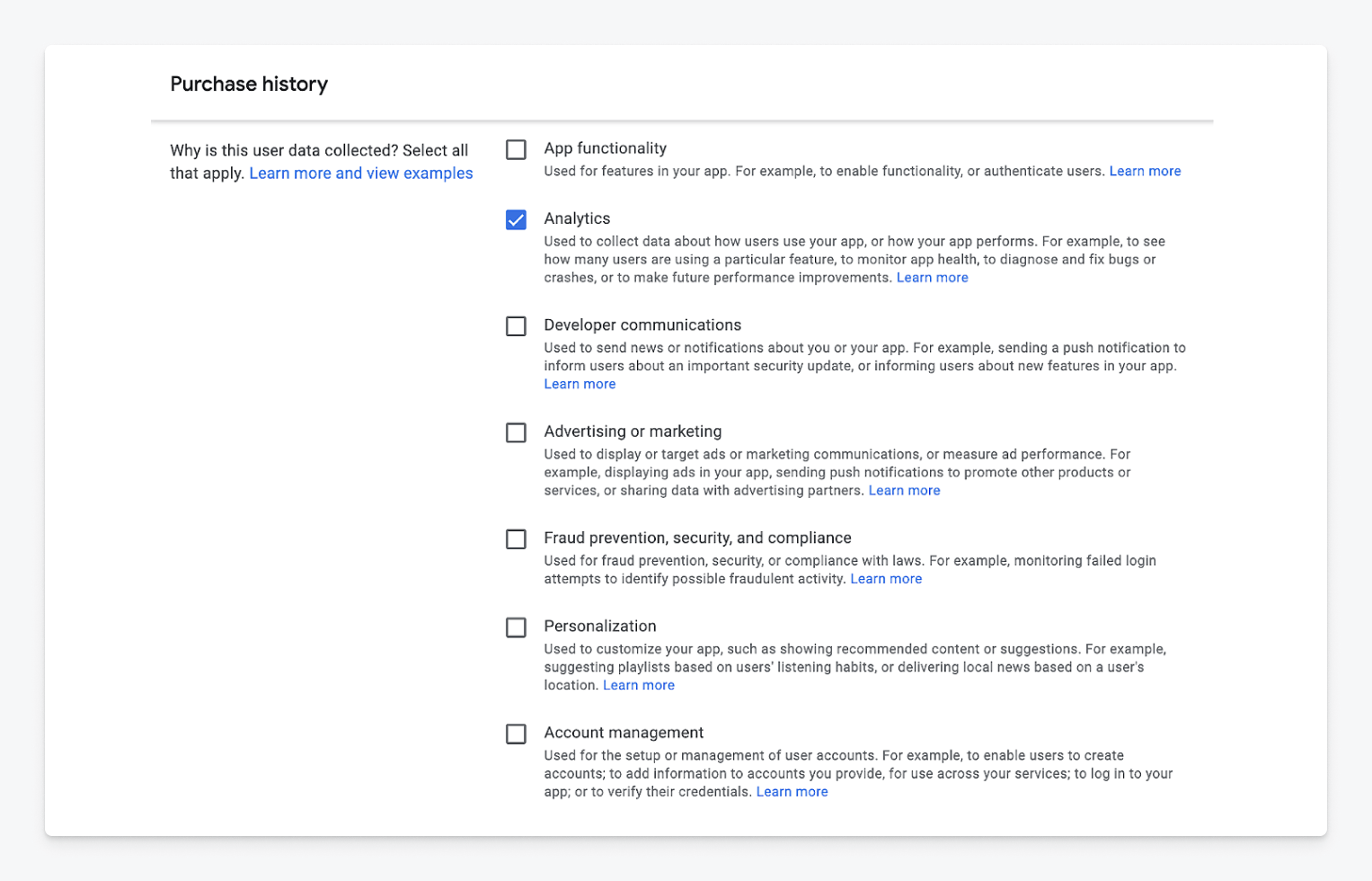
Analytics usage
At a minimum, select “Analytics” for OneSignal. If you use OneSignal for other use cases, you must select those as well.
App interactions
Disclose collection of App interactions under the App activity section.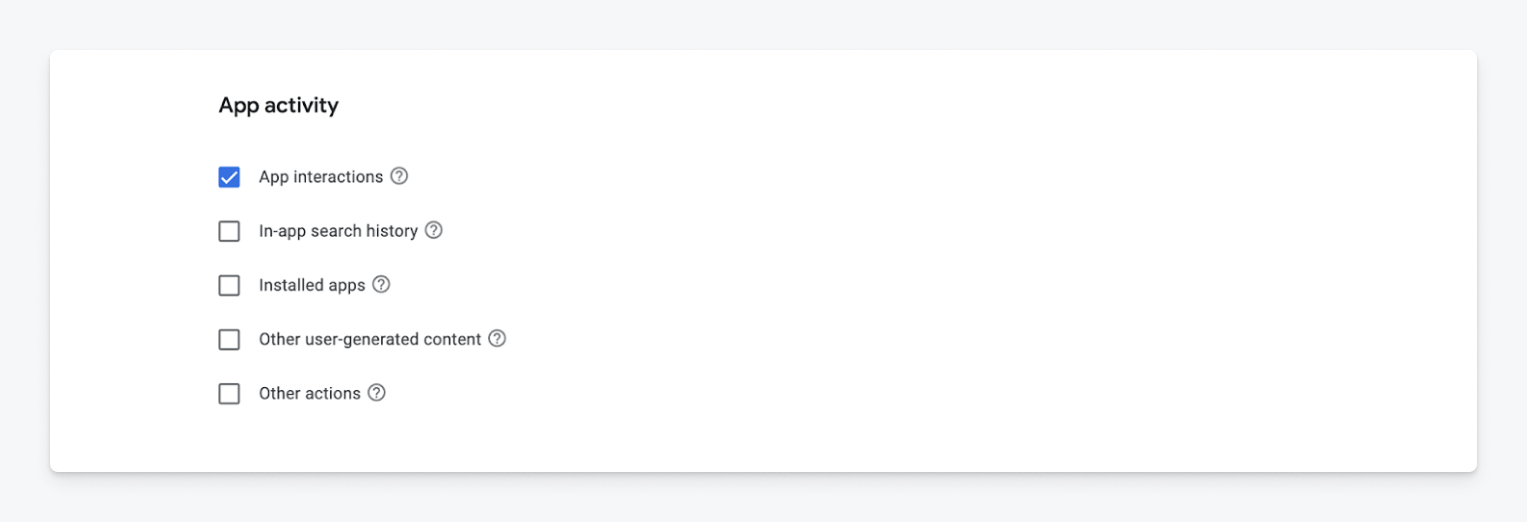
Data types: App interactions
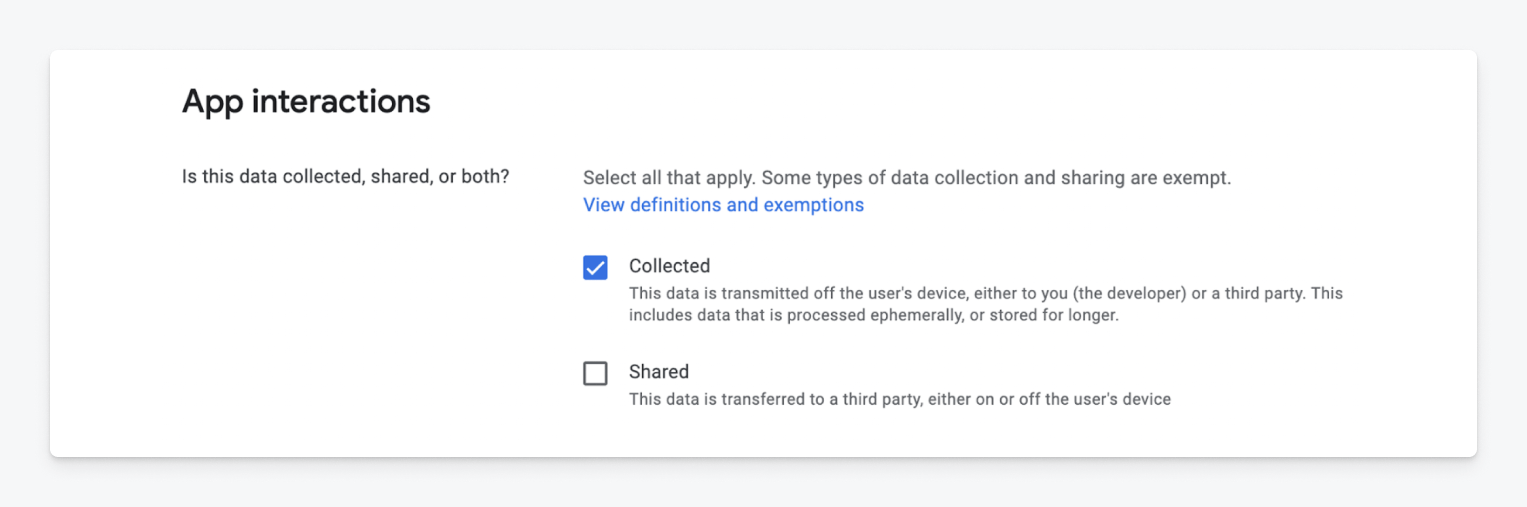
Collected and shared settings
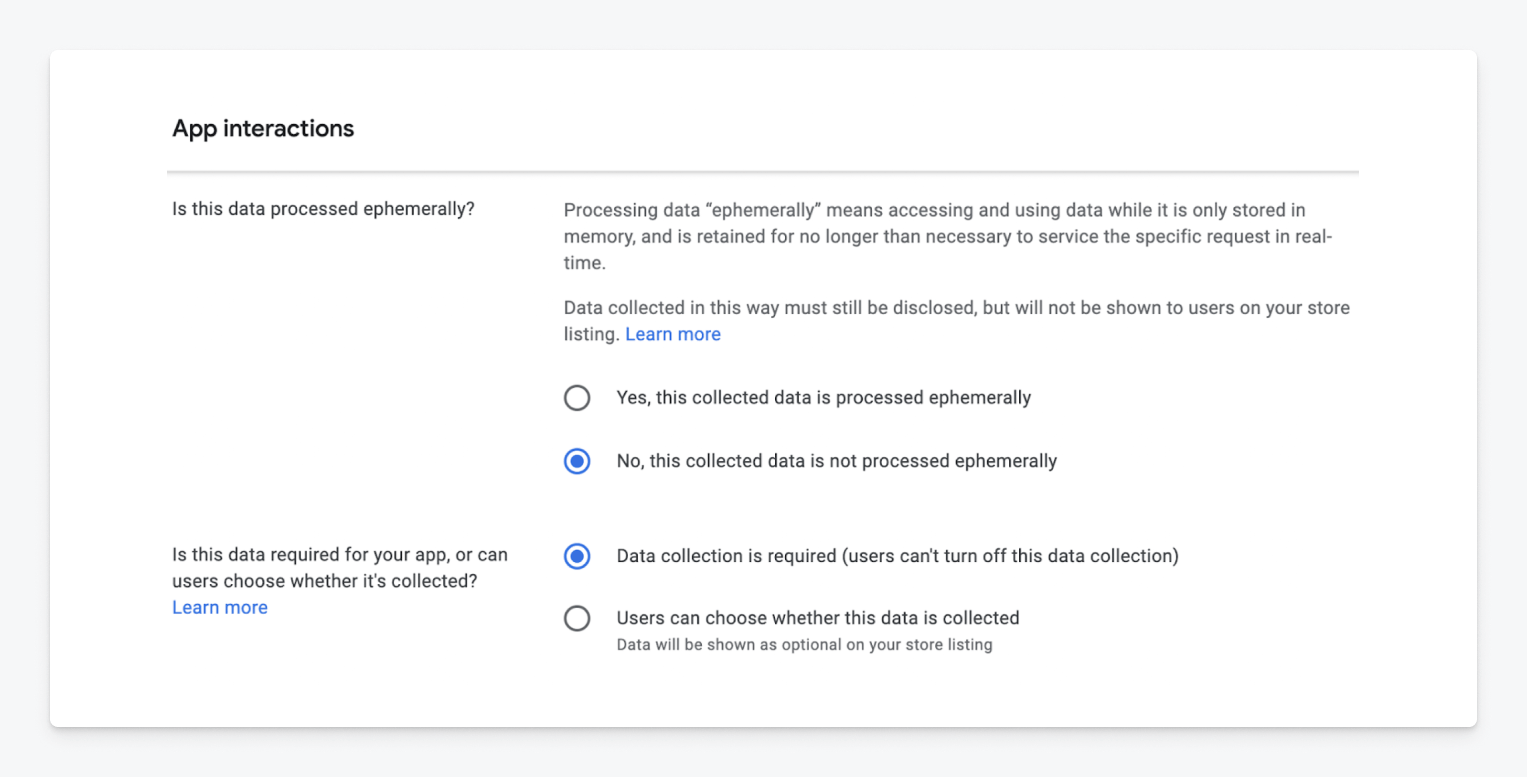
Data processing settings
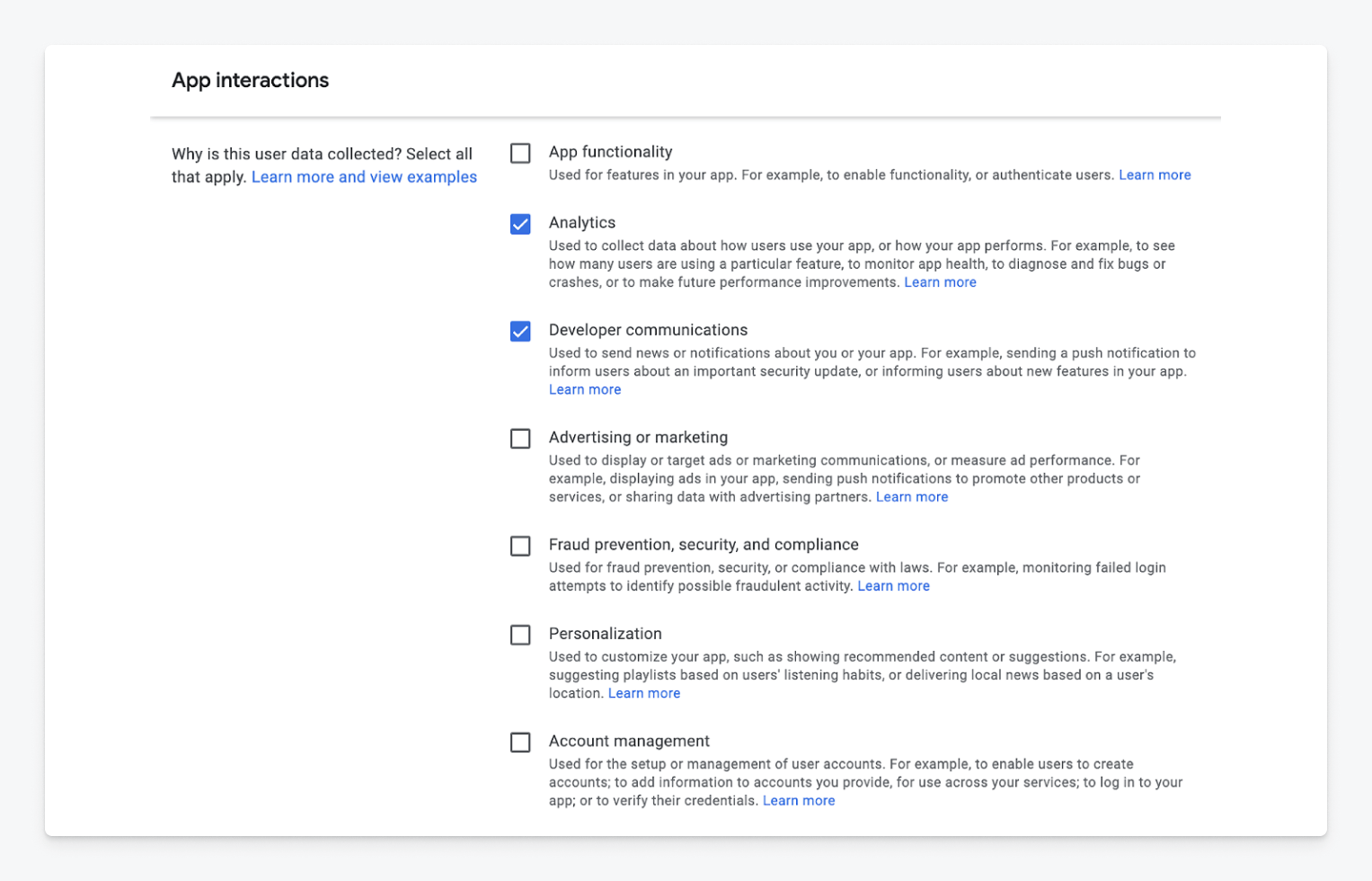
Analytics and developer communications
Select both “Analytics” and “Developer communications” at a minimum. If additional data is collected through OneSignal, disclose it as well.
Preview of store listing
After completing your privacy selections, Google will generate a preview. If you’ve disclosed Purchase history and App interactions, your listing should look like this: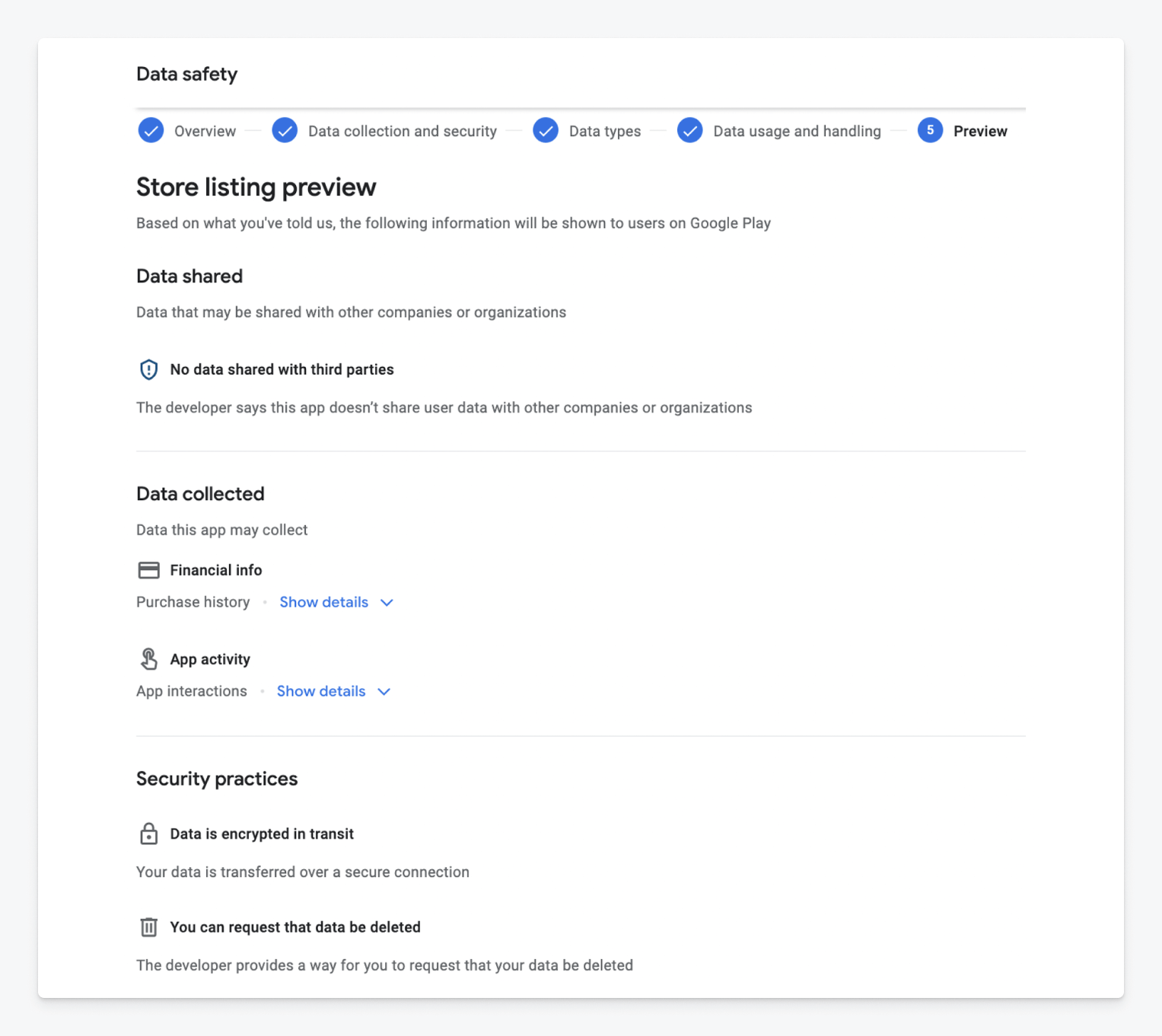
Store listing preview