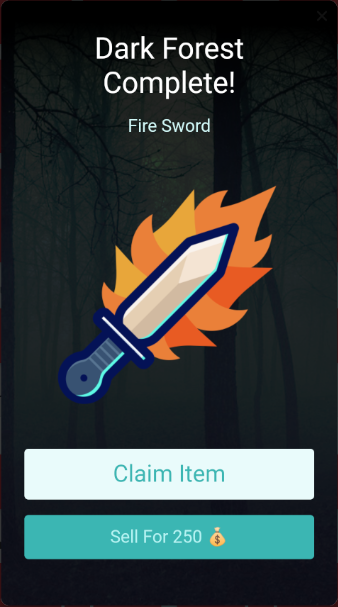
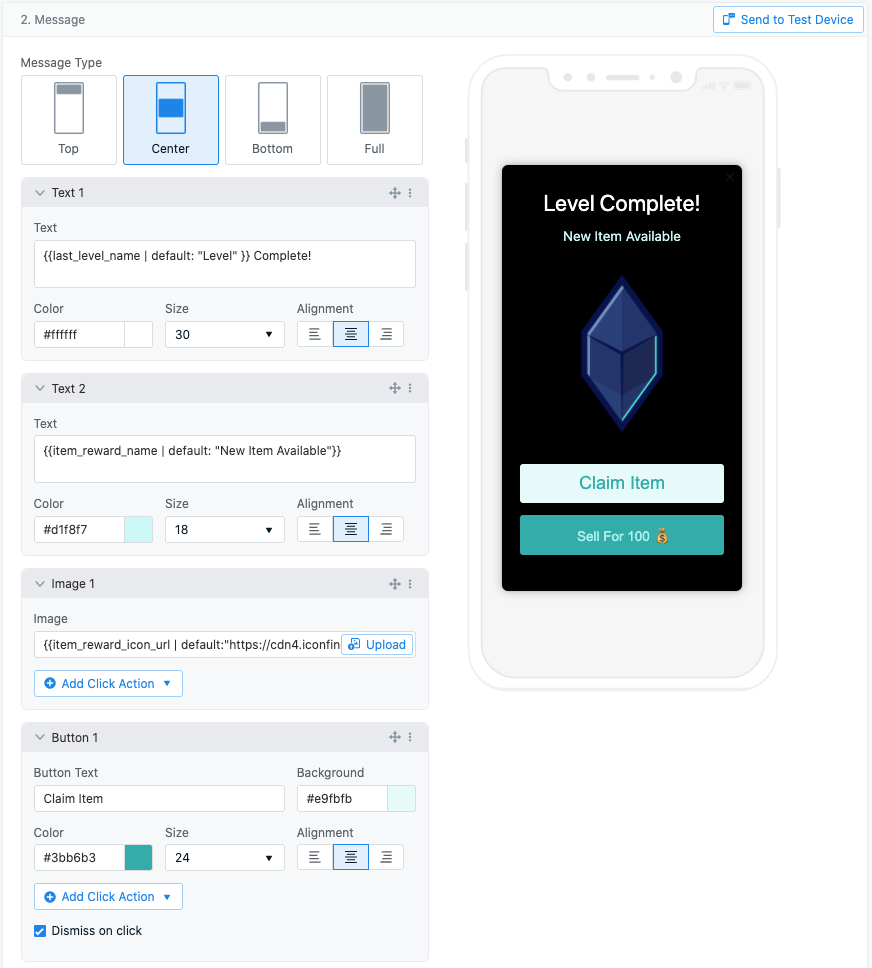
Using Message Personalization through Tags, you can update your In-App Messages. In the screenshots below, the In-App is configured with Tags in:Documentation Index
Fetch the complete documentation index at: https://documentation.onesignal.com/llms.txt
Use this file to discover all available pages before exploring further.
- Text block - to display the completed level and the reward for that level
- Image block - to display the image corresponding to the reward, along with the default image
- Button 2 text - to list down the reward value, along with the default value of 100
- Background image
Here is how the In-App Message is displayed on the user’s device based on the completed level.