

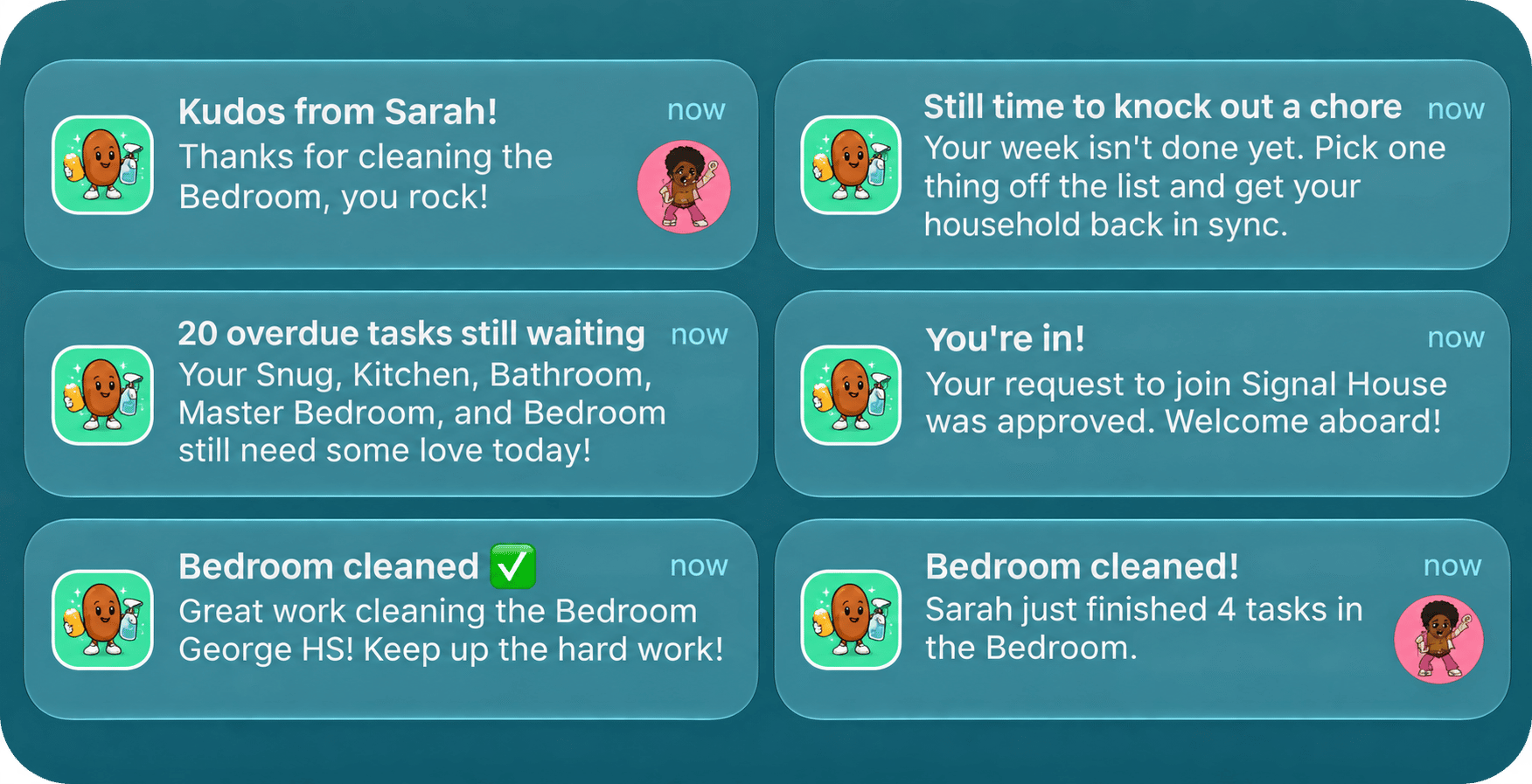
An example of some of the pushes that Clean Beans sends.
Scheduled sends that respect time zones
People choose the hour they want their daily reminder. Clean Beans does not schedule one job per user. It runs one job every hour and asks, “for whom is it that hour right now?”1
A database schedule calls a function every hour
pg_cron makes an HTTP request to a Supabase Edge Function. The service key it needs is read from Supabase Vault, so it never appears in the SQL.2
The function finds the users whose local hour matches
It loads everyone who has that reminder switched on, converts the current time to each user’s time zone, and keeps the ones whose chosen hour is now.
3
It checks there is something to say
A user with nothing due gets no push.
4
It calls OneSignal once per user
Each push has its own content, so each is a separate request.
supabase/migrations/006_cron_daily_digest.sql
supabase/functions/send-daily-digest/index.ts
supabase/functions/send-daily-digest/index.ts
...DELIVERY.daily_digest, idempotency_key, and badge fields are explained in Reliable, well-behaved push. The data.type field is how the app knows which screen to open when the push is tapped. See Deep links and notification clicks.
The heading and body are built from the tasks, so the push says something specific.
supabase/functions/send-daily-digest/index.ts
The overdue reminder: a second, different nudge
The overdue reminder reuses the same pattern with two changes. It fires six hours after the user’s digest hour, and it only counts tasks that are strictly past due.supabase/functions/send-overdue-reminders/index.ts
supabase/functions/send-overdue-reminders/index.ts
The cleaning reminder: one request for many people
The cleaning reminder says the same thing to everyone, so it does not need one request per person. The function collects every eligible user ID and sends them in batches.supabase/functions/send-cleaning-reminder/index.ts
Session completed: a push triggered from the app
When someone finishes a cleaning session, the rest of the household hears about it. The app cannot send that push itself, because it must not hold an API key. It calls a backend function and the function sends the push.src/lib/database.ts
supabase/functions/session-completed/index.ts
supabase/functions/session-completed/index.ts
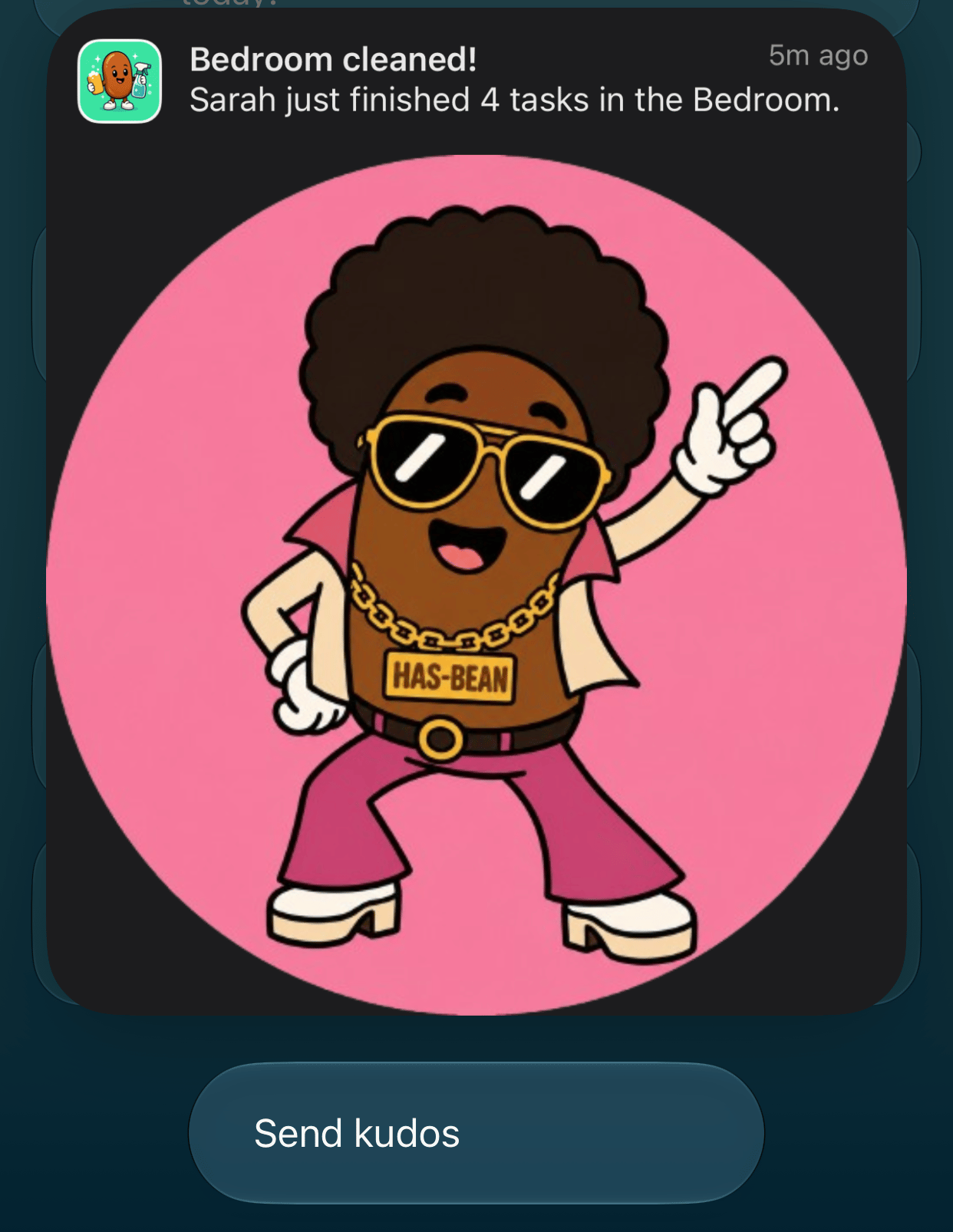
A session-completed push, expanded to show the sender's avatar.
Kudos: one person to another
Kudos work the same way, with a single recipient. On the activity screen, a member taps Send Kudos on a housemate’s session, picks a message, and the app calls thesend-kudos function.
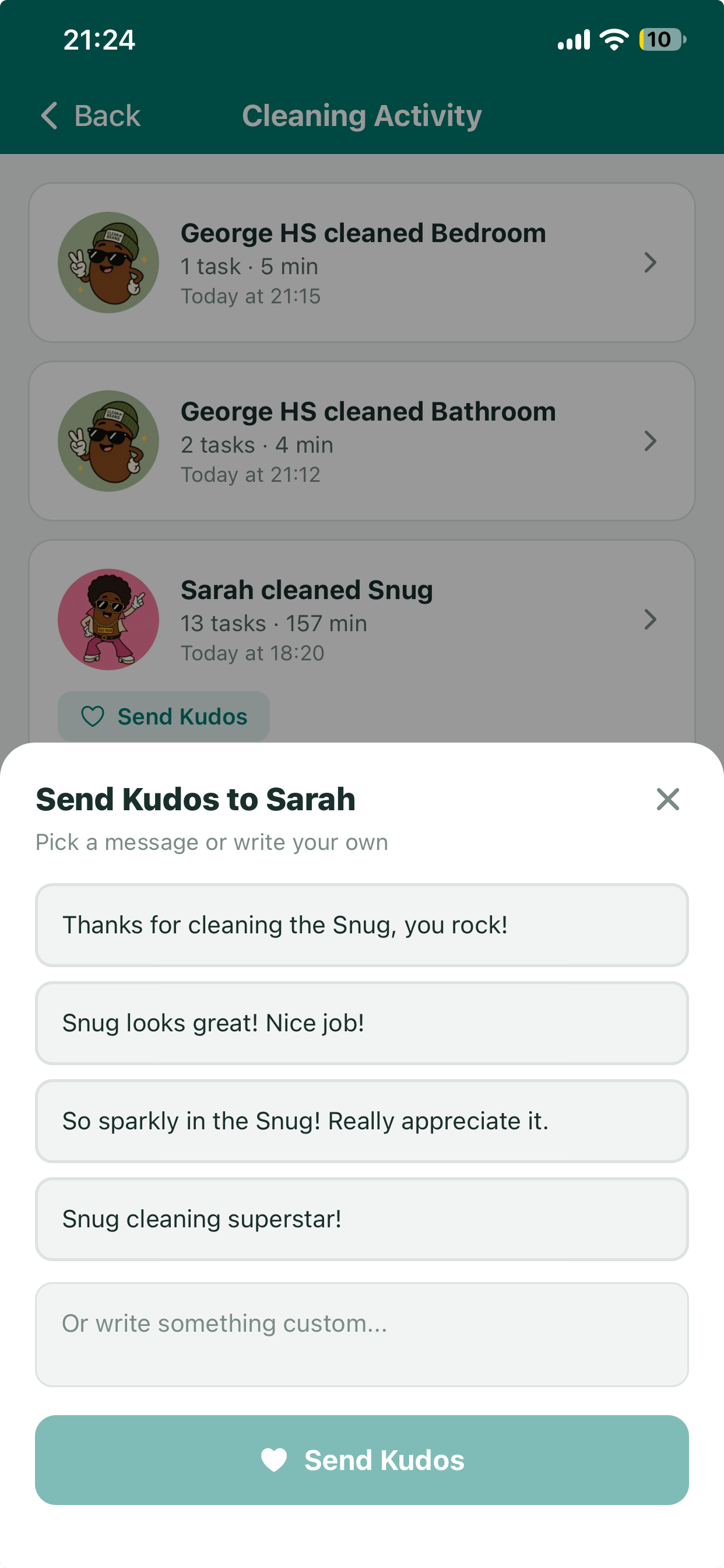
Choosing a kudos message for a housemate's cleaning session.
supabase/functions/send-kudos/index.ts
Join approved: a push triggered by the database
Someone who asks to join a household waits for an admin to approve them. When that happens, their membership row changes frompending to active. A database trigger on that change calls a function, and the function tells them they are in.
Putting the trigger in the database means the push is sent however the approval happens, and the app needs no code for it.
supabase/migrations/027_join_approved_trigger.sql
supabase/functions/join-approved/index.ts
Check who is calling
Supabase verifies that a request to an edge function carries a valid token, but a signed-in user’s token is as valid as the scheduler’s. Without a further check, any user could trigger the daily digest for everyone, or send a push in someone else’s name. Each function therefore decides for itself who is allowed to call it.
The scheduled functions start with one line:
supabase/functions/send-daily-digest/index.ts
supabase/functions/_shared/auth.ts
supabase/functions/send-kudos/index.ts
Create message API
Targeting, content, and scheduling for every channel.
Rich media
Images in push notifications on each platform.