

Never send the same reminder twice
Scheduled jobs get retried. A job can also be run twice by mistake. Without protection, each repeat sends another push. OneSignal’sidempotency_key solves this. If two requests carry the same key, the second is not sent. The key must be a UUID, and OneSignal remembers it for 30 days.
A scheduled function has nowhere to keep a random key between runs, so Clean Beans derives the key from what the send is: its type, its recipient, and its date. The same send always produces the same key.
supabase/functions/_shared/idempotency.ts
For a batched send, the key covers the whole batch.
supabase/functions/send-cleaning-reminder/index.ts
Idempotency keys work on the Create message and Create custom events endpoints. Live Activity requests do not accept them. Those are identified by their
activity_id instead.Give each type of push its own behavior
A cleaning reminder that arrives two hours late is worse than no reminder. Kudos are nice to receive but never urgent. Clean Beans describes these differences once, in a set of delivery profiles, and spreads the right one into each request.supabase/functions/_shared/delivery.ts
The
member_lapsed profile in the type list belongs to a push sent from a Journey webhook, which this guide does not cover.
What each setting does:
ttlis how long a push is held for a device that is offline. The cleaning reminder says “in 1 hour”, so it is dropped after an hour.thread_idandandroid_groupgroup related pushes together in the notification list.ios_interruption_levelcontrols how insistent a push is.time_sensitivecan break through Focus modes.passivearrives silently.ios_relevance_scoreranks pushes in the iOS notification summary. Clean Beans keeps1.0for critical messages, and sends none.
time_sensitive if the app declares the capability.
app.json
Show a count on the app icon
The two task pushes set the app icon badge to the number in their heading.supabase/functions/send-overdue-reminders/index.ts
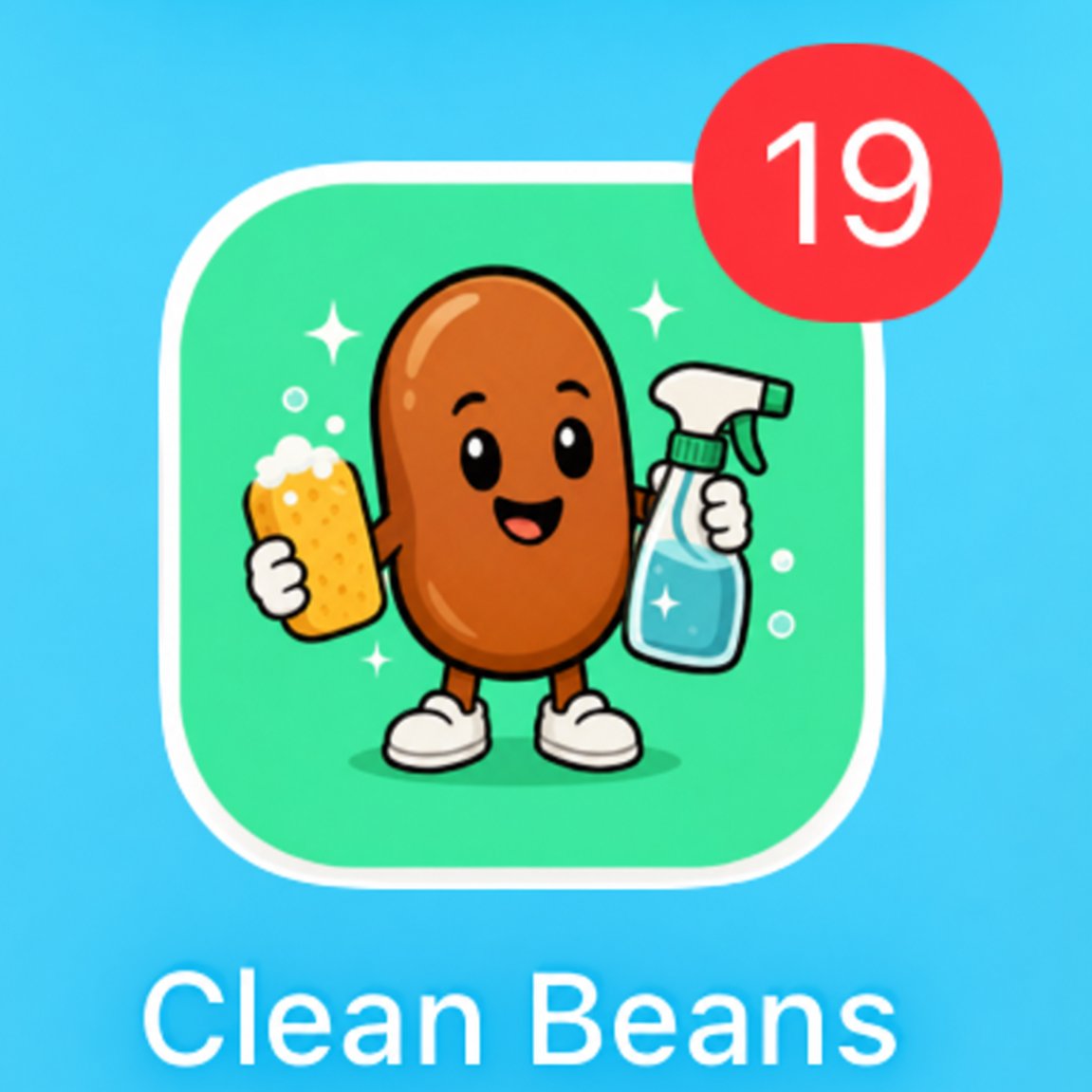
The app icon badge shows how many tasks are overdue.
SetTo is used, not Increase, because the badge is a count of tasks and not a count of unread notifications. The afternoon reminder replaces the morning number.
The OneSignal SDK clears the badge automatically whenever the app is opened, so the app needs no code to reset it. A push that arrives while the app is open never shows its badge. Android has no numeric badge to set through the API.
Idempotent requests
How keys work and how long they last.
Interruption levels
Focus modes and the four levels.
Badges
Badge behavior on each platform.