

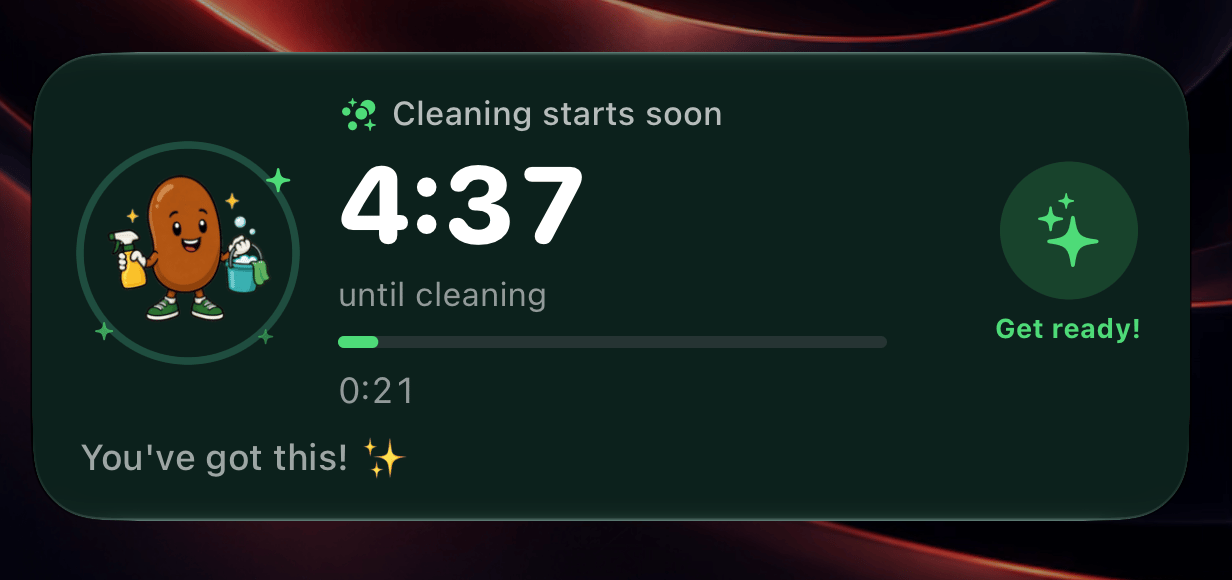
The cleaning reminder counting down on the Lock Screen.
Set up the app
A cross-platform app can let OneSignal manage the Live Activity’s lifecycle. One call at startup is all the JavaScript needed.app/_layout.tsx
plugins/withLiveActivityWidget.js
Draw the widget
The widget uses OneSignal’sDefaultLiveActivityAttributes, which carries free-form data. One widget serves both activities by reading a type value and choosing a layout.
plugins/widget/CleanBeansWidgetLiveActivity.swift
attributes are fixed when the activity starts. state can change with each update.
plugins/widget/CleanBeansWidgetLiveActivity.swift
Streak warning: start an activity from the backend
At 7 PM local time, anyone with a streak who has not cleaned today gets a countdown to midnight. The hourly function finds them using the same time zone matching as the push reminders, then starts an activity for each.supabase/functions/streak-warning/index.ts
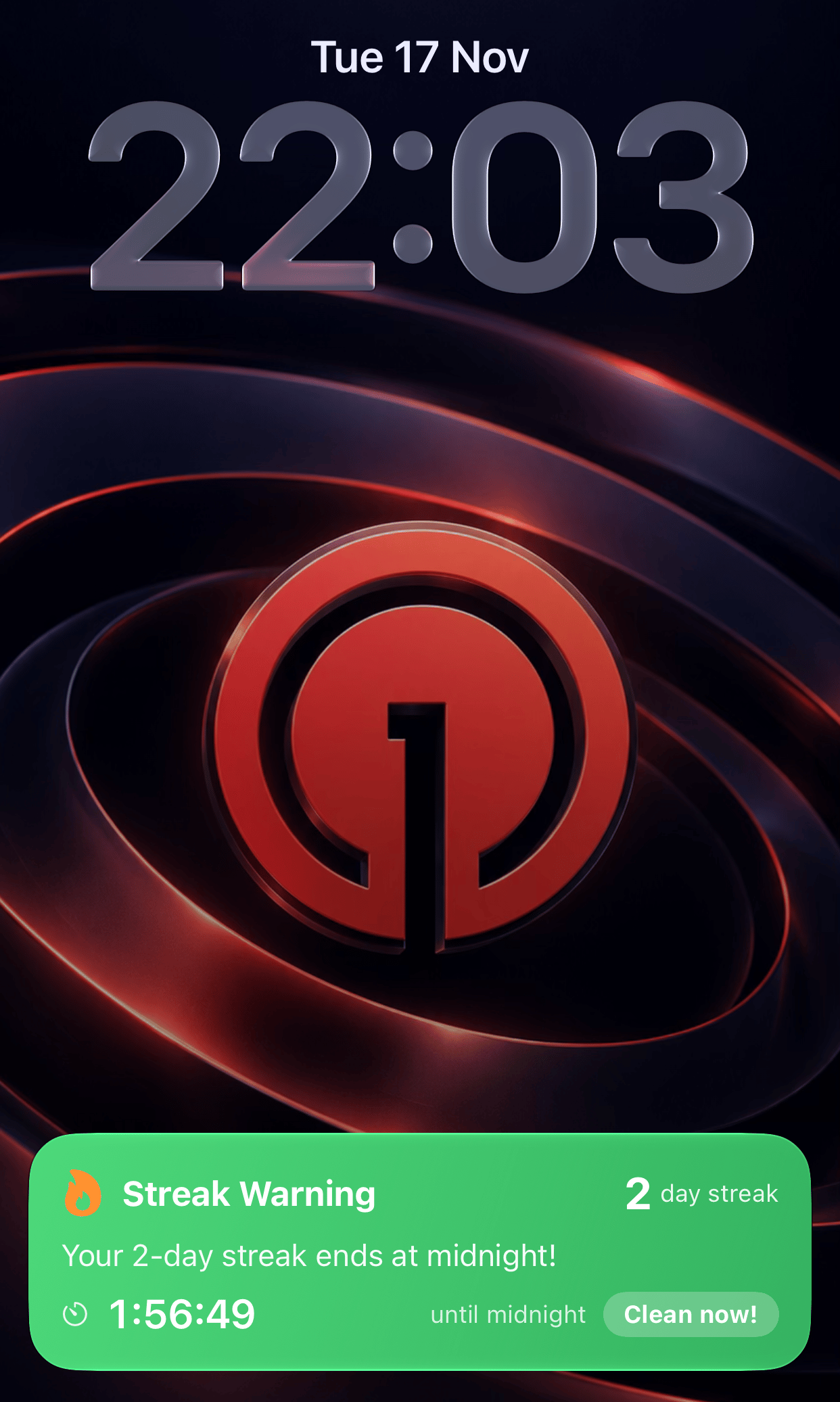
The streak warning counts down to midnight.
Cleaning reminder: start, update, end
The cleaning reminder moves through three phases. Each is a separate request for the same activity.
The function works out which phase each user should be in.
supabase/functions/cleaning-activity/index.ts
supabase/functions/cleaning-activity/index.ts
These requests use
priority: 10 because each one is a change of phase that should appear immediately, and a person gets at most a few in a day. Priority 10 counts against the budget Apple allows each device for Live Activity updates. For anything that updates often, such as a score or a progress bar, start with 5.Give each activity its own
activity_id and store it when the activity starts. OneSignal does not accept further updates to an activity_id once that activity has ended, so a fixed ID per user would stop working after the first day.Cross-platform setup
setupDefault and the widget extension.Start Live Activity
The push-to-start API.
Update Live Activity
Update and end requests.